
Romanian for AnySoftKeyboard
AnySoftKeyboardRomanian for AnySoftKeyboard adds Romanian language data to the AnySoftKeyboard keyboard, including word suggestions, completions, spell checking and layouts with Romanian diacritics. It requires the compatible AnySoftKeyboard app and works as an add-on rather than a standalone keyboard.
Screenshots
About this app
Romanian for AnySoftKeyboard adds Romanian language support for typing with the AnySoftKeyboard keyboard. The add-on supplies a Romanian dictionary with word suggestions, contextual completions and spell checking, while leaving the host keyboard interface in place. A compatible AnySoftKeyboard installation is required before Romanian can be enabled from the keyboard's language settings.
Romanian dictionary and typing assistance
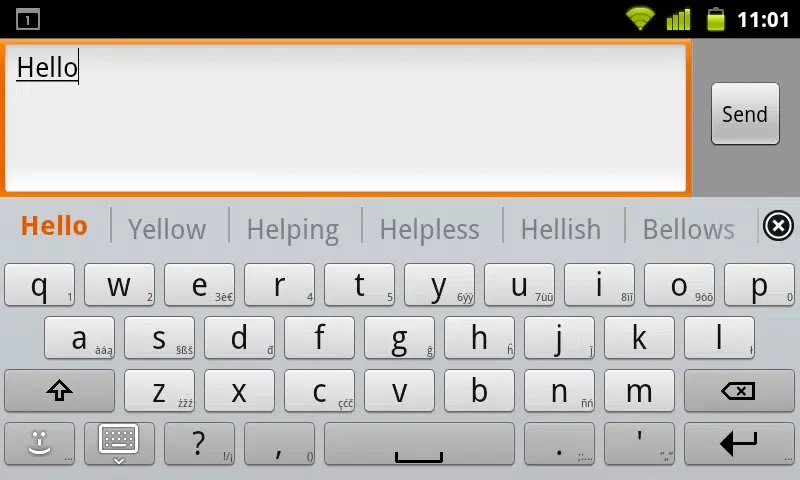
The language pack uses a Romanian word list sourced from the Android Open Source Project. It is intended to support Romanian orthography and common usage through predictions, spelling corrections and completions that respond to the text being entered. This can help when composing messages, notes, documents or other text in Romanian, with the host keyboard determining how suggestions and corrections are displayed.
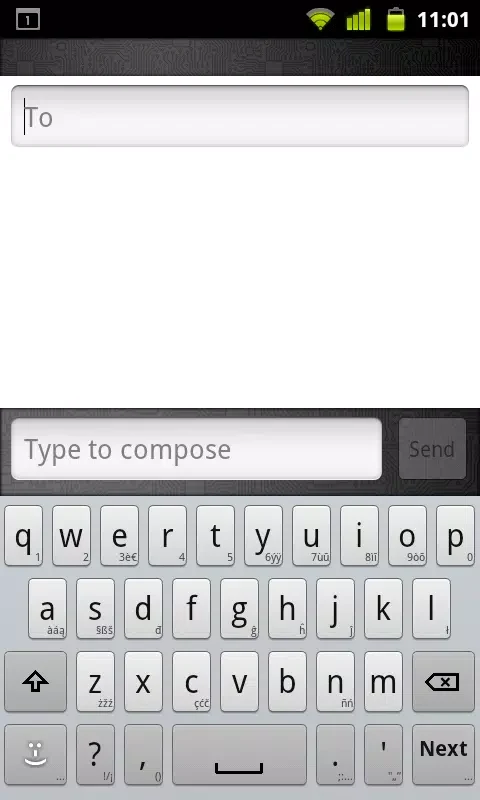
Romanian layouts include support for standard diacritics and compact arrangements for smaller screens. Depending on the keyboard configuration, accented alternatives can be opened by holding character keys. Punctuation behavior, autocorrect thresholds and suggestion visibility remain controls of AnySoftKeyboard rather than this language add-on.
Installing and enabling the language
After installing the add-on, open AnySoftKeyboard and enable Romanian in the input language settings. You can then select the layout that suits your typing habits and switch between enabled languages using the keyboard's globe or language key. The add-on supplies language content; it does not provide a separate keyboard interface.
Compatibility with keyboard features
Romanian for AnySoftKeyboard is designed to work alongside features provided by the host keyboard. These can include gesture or swipe typing, multiple layouts and personalized prediction tools when those options are enabled in AnySoftKeyboard. Appearance settings such as themes, high-contrast modes, custom key sizes, key height, label size and hint characters also depend on the host keyboard installation.
Accessibility support likewise comes mainly from AnySoftKeyboard and Android. Screen reader behavior, enlarged keys and related accessibility controls are not supplied by the Romanian language data itself. The add-on is also intended for AnySoftKeyboard and other compatible keyboards that accept external dictionaries.
Offline dictionary and personalization
Once installed, the dictionary can operate offline. Language lookups and suggestions are processed locally on the device, so Romanian typing does not require a network connection for the dictionary functions described by the source. This is useful when composing text in places with limited connectivity.
The host keyboard can learn from frequently used words and can incorporate names or local terms added to its user dictionary. You can manually add or remove entries to influence future suggestions. If predictions are not suitable, AnySoftKeyboard settings provide controls for learned words and autocorrect behavior, including clearing learned entries or adjusting correction sensitivity.
Updates and scope
Updates to the add-on's word list are described as aligning the Romanian dictionary with language changes and compatibility improvements. Keeping the host keyboard and this add-on updated is therefore part of maintaining the supported dictionary and its integration. The package remains focused on Romanian language data, prediction and spell checking; it does not add voice input, its own visual theme or a replacement keyboard service.
Version history
View all12 Oct 2026 · stable