

RPCS3 Emulator
RPCS3 Emulator is an open-source Android emulator for PlayStation 3 games. It requires firmware and app configuration before use; game compatibility varies, and the source notes that some titles may not work correctly or at all.
Screenshots
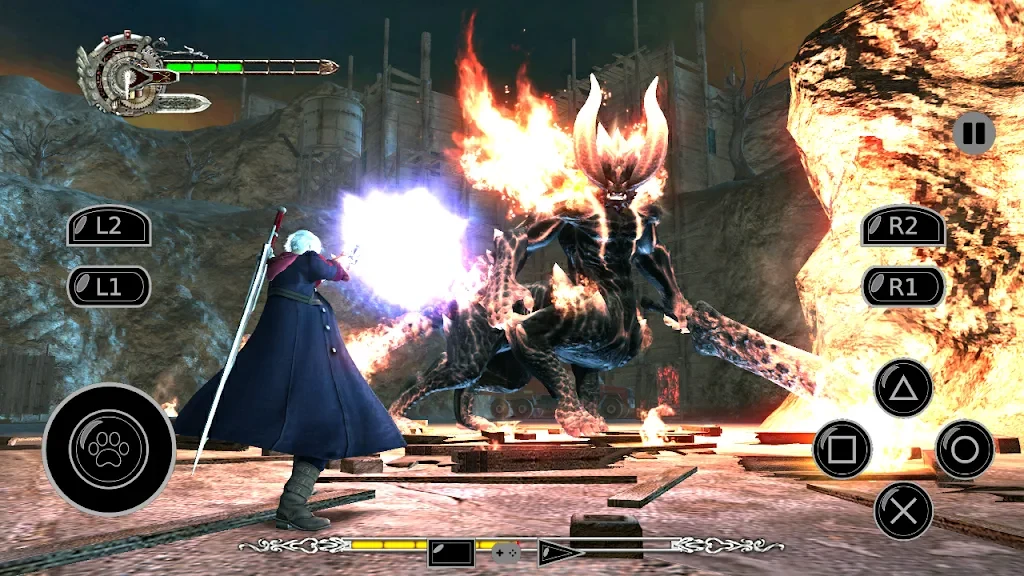
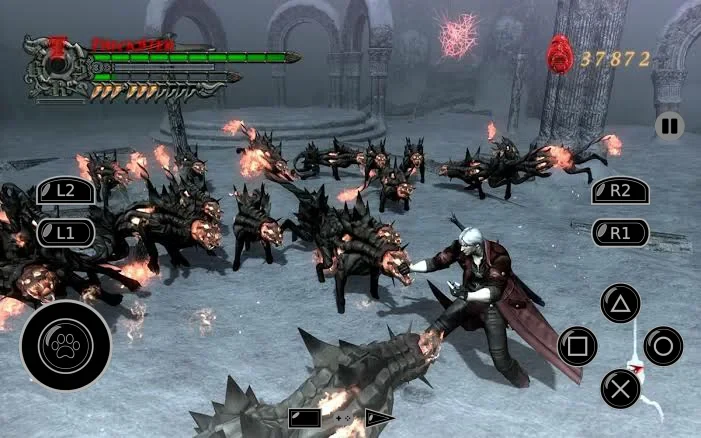
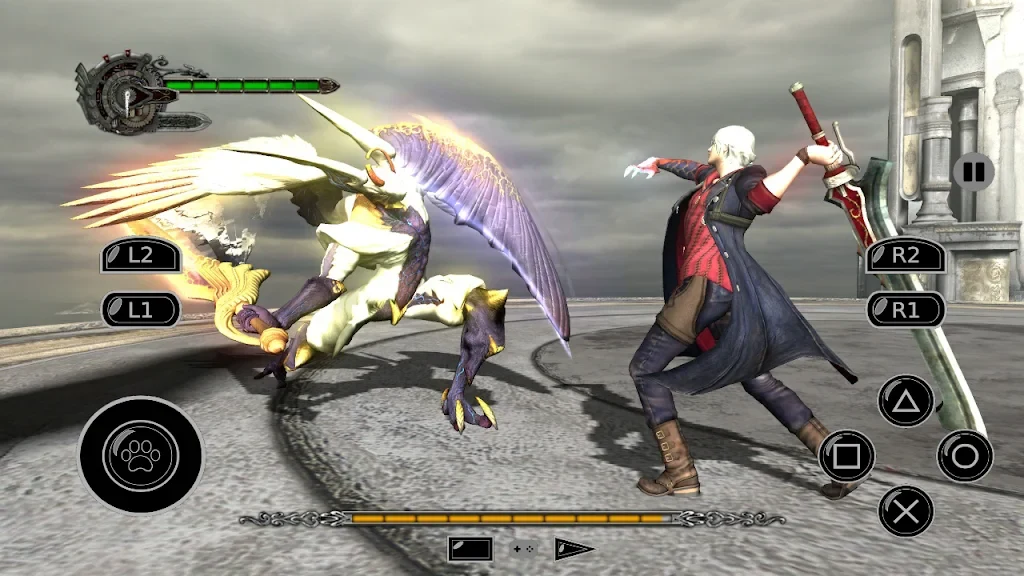
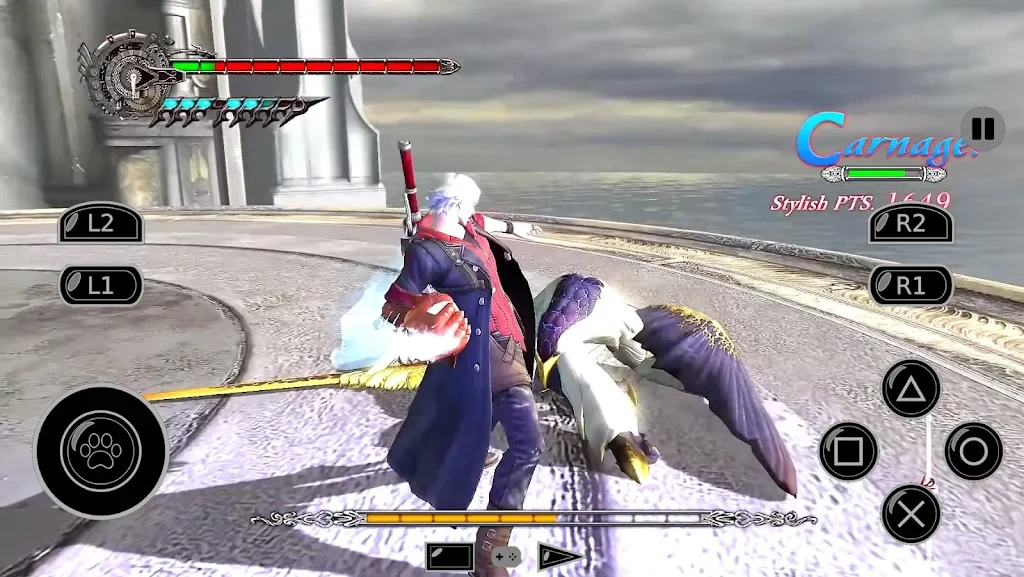
About this app
RPCS3 Emulator is an open-source Android emulator for PlayStation 3 games, intended for people who want to run compatible titles on a mobile device. Before playing, the emulator needs to be configured and the console firmware installed. Compatibility is not universal: the source says some games may not work correctly or may not run at all.
Preparing the emulator before playing
Getting started involves installing PlayStation 3 firmware and configuring the app. The supplied description characterizes the setup as a multi-step process, similar to the Windows version, and points to a step-by-step guide on the emulator’s website for instructions. It estimates that this process can take around ten minutes, though the actual steps still need to be followed to complete configuration. The emulator is therefore not described as ready to run a game immediately after installation.
Game data is another part of preparation. RPCS3 does not read game data directly from PlayStation 3-format discs. The source describes dumping games and software from a PlayStation 3 console as a way to move disc-based or digital titles for use with the emulator. It also mentions select compatible Blu-ray drives as an option for disc dumping, while cautioning that not every drive can recognize these discs. The source does not provide a list of compatible drives or detailed instructions for the dumping process.
Choosing controls for gameplay
For play that involves the many buttons and two sticks used by most PlayStation 3 games, the app supports USB and Bluetooth controllers. The source specifically names DualShock 3, DualShock 4, and DualShock 5 as compatible models. These options provide physical controls rather than relying only on the touchscreen, which the description says can be cumbersome for games with many controls. It also notes that touch controls caused frequent crashes in the emulator’s earliest versions; that statement refers to early versions and does not establish the behavior of every current build.
The app also allows users to customize key bindings, so controls can be adjusted for different input preferences. This is useful when setting up an attached controller, though the supplied information does not give a complete mapping guide or explain every available configuration.
Checking whether a game is suitable
Compatibility depends on the game, rather than being guaranteed for the entire PlayStation 3 library. The source says the Android compatibility list is growing with new versions, but warns that some titles may still fail to work correctly or at all. It also distinguishes the Android release from the Windows version: Windows has been in development for many years and has a broader compatibility list and more getting-started material, while support for Android is developing more gradually. These differences make it useful to check game-specific compatibility information before investing time in setup.
The supplied description also mentions built-in FAQs and tutorials, with keyword search for finding relevant information. These resources are presented as a way to look up topics related to the software alongside its setup and use.
Version history
View all29 Nov 2024 · stable
APK2.0.004 Jun 2026 · stable
Frequently asked questions
Can RPCS3 Emulator read a PlayStation 3 game disc directly?
No. The source says the emulator does not read game data directly from PlayStation 3-format discs. Game data can be dumped from a console, or from a disc using certain compatible Blu-ray drives.
Does the source describe multiplayer support?
It says local multiplayer supports up to seven controllers, which can be assigned in different configurations. Online multiplayer works with many games; titles needing a dedicated server may depend on a community-made server replacement.