

Screen Resolution Changer
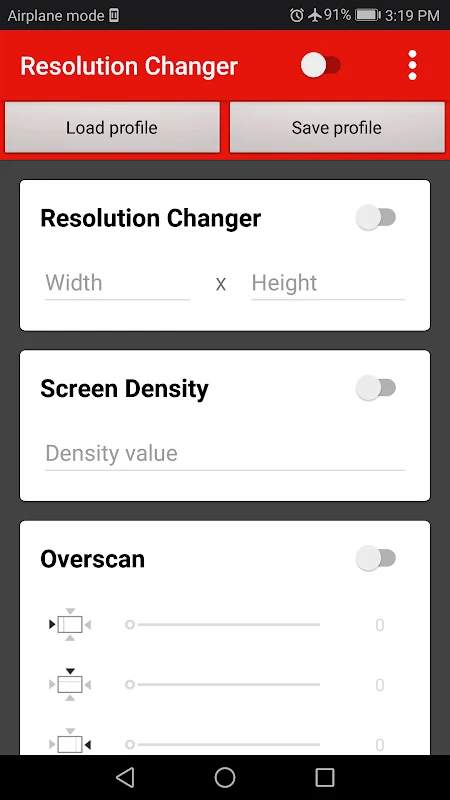
Screen Resolution Changer lets rooted Android users switch between preset or custom display resolutions, adjust screen density, and modify overscan. It also provides display information and can apply temporary or permanent resolution settings for specific applications.
Screenshots
About this app
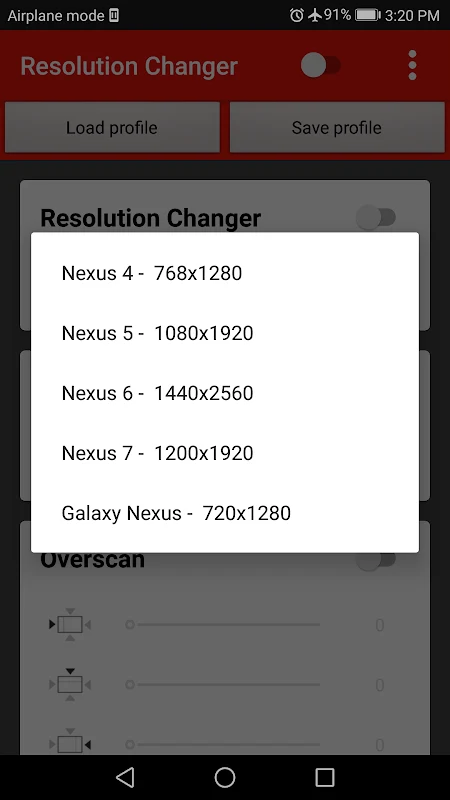
Screen Resolution Changer is a utility for rooted Android devices when the display needs a different resolution, density, or visible-area setting. It supports preset resolutions as well as custom width and height values, giving users a way to adjust the screen for documented testing, gaming, or troubleshooting tasks.
Testing different screen sizes
Application developers can use the resolution controls to examine how their projects appear at different screen sizes. The app allows a custom screen size to be set instead of relying only on presets, and a configuration can be saved for later use. Resolution changes can also be applied to a specific application either temporarily or permanently, which separates that application's display setting from other documented uses of the tool.
Adjusting a game display
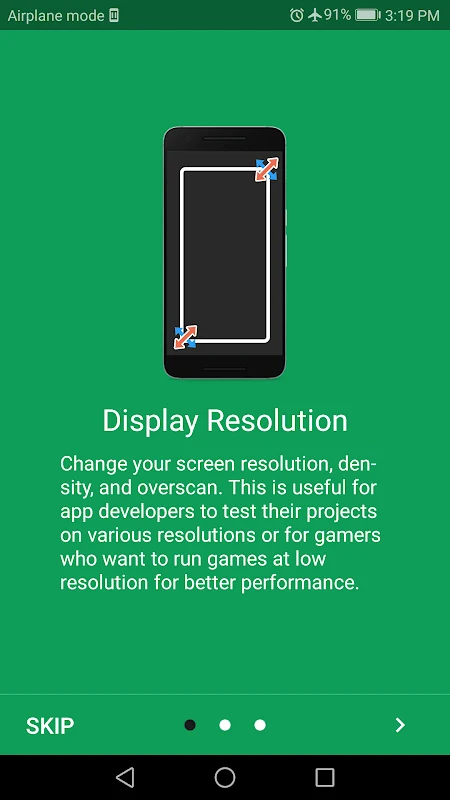
Gamers can change a game's display resolution when they want to run it at a different size. The source describes lowering game resolution as a way to improve performance, although the result depends on the device and game. Screen Resolution Changer also includes screen-density adjustment, allowing the display scale to be changed alongside resolution when that is relevant to the user's setup.
Checking device display details
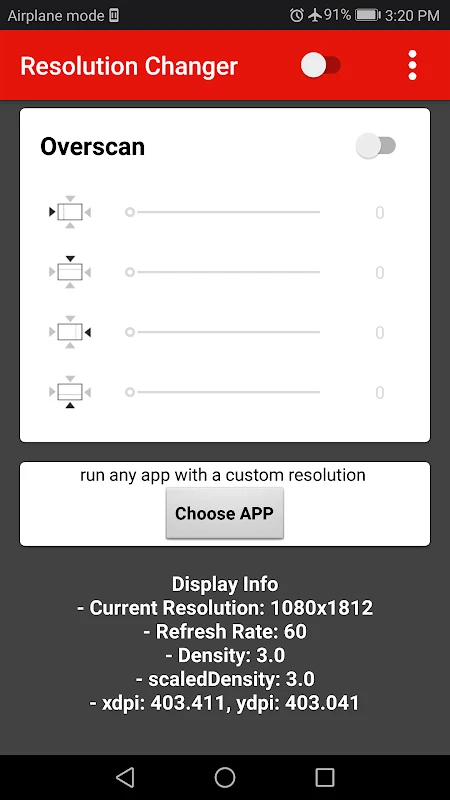
The Display information option reports technical details about the current screen. Listed information includes screen size, refresh rate, xdpi, and ydpi, so users can review these values before choosing or evaluating a resolution and density setting.
Using overscan carefully
The overscan function changes the visible display area by placing content outside the screen's visible region. This may be useful when a touchscreen digitizer is partially malfunctioning, but the source warns that an unsuitable overscan setting can make the screen unusable or cause display problems. Changes should therefore be made cautiously, particularly when experimenting with the visible screen boundaries.
Access requirement
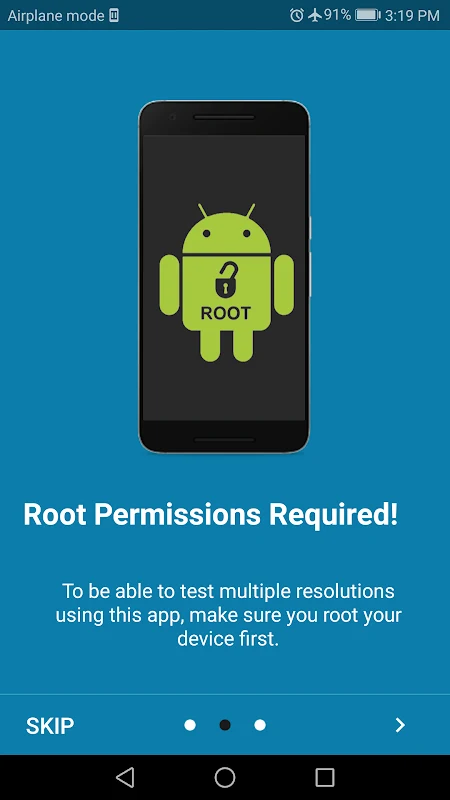
Root access is required to use Screen Resolution Changer. The app is intended for users who can provide that access and understand the effects of changing Android display parameters, including the possibility of needing to restore a previous resolution or configuration.
Version history
View all16 Jan 2026 · stable