

SendSpace
SendSpace is an Android file-transfer tool for sending large photos, videos, audio files and other large files to other Android devices, computers or contacts. The free version handles files up to 300MB, and paid users can transfer files up to 4GB.
Screenshots
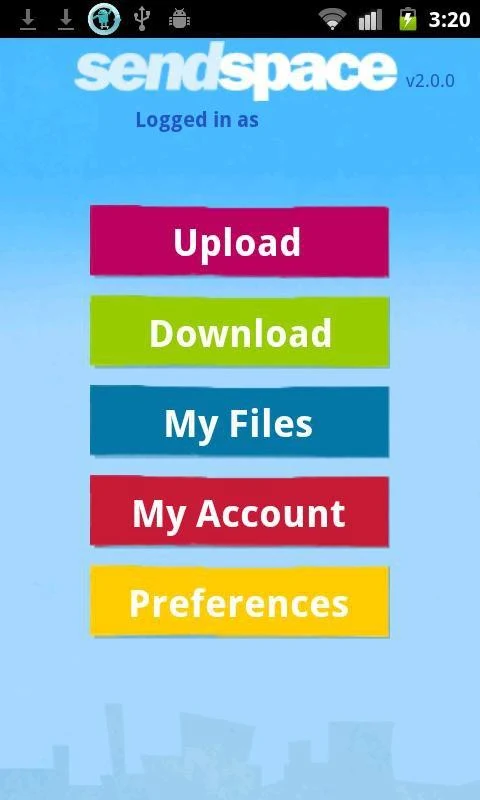
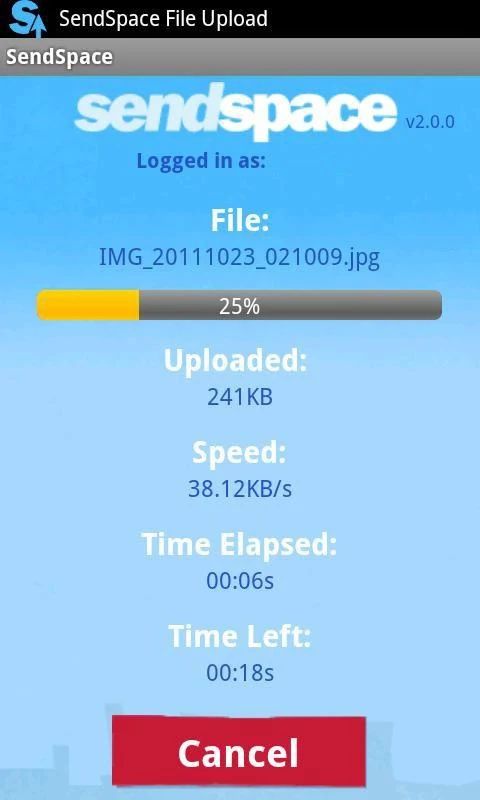
About this app
SendSpace is designed for a common problem: sending large photos, videos or whole albums through messaging apps can be slow, interrupted or reduce file quality. The app provides a dedicated service for sending and receiving large files through its own platform, so the recipient can work with the original file rather than a compressed copy.
Sharing large files from an Android device
According to the app description, SendSpace supports transfers from one Android device to another, or from an Android device to a PC. A sender can share photos, videos or audio files with one recipient or with several addressees in a single transfer. The description also says the service supports common media formats, including audio and video.
Downloading files in a browser
Recipients do not need the app to receive a file. The description states that files sent through SendSpace can be downloaded with a web browser on any device, and that a file download notification can be emailed to a contact through the SendSpace servers.
File size limits by plan
The free version allows files of up to 300MB per file. Paid users can send files of up to 4GB. The app description refers to paid subscriptions for the larger limit, so the 4GB allowance should be checked against the current plan details before relying on it.
Capturing and sending media in the app
The app can be used to take pictures, record videos or capture voice recordings and then share the resulting file immediately. This makes it useful when a file is created on the phone and needs to reach someone else without first being saved and sent through a separate workflow.
Permissions the app requests
The listed permissions match the app's main functions. Camera access supports direct capture of photos and videos. Reading contacts allows a download notification email to be sent to a contact. Storage or SD card access is needed to save received files to the device, and Internet access is required for transfers to work.
Version history
View all11 Aug 2025 · stable
Frequently asked questions
Does the recipient need to install SendSpace to download a file?
The app description says files can be sent for anyone to download using a web browser on any device, so the recipient can download a shared file through a browser.
Is an account required to use SendSpace?
The app description says no signup is required. It also says that signing up for a free account adds more file management and storage features.