

Simple Volume Booster
keepitsimpleappsSimple Volume Booster is an Android app for increasing audio volume through a phone’s built-in speaker or connected headphones. Its stated uses include listening to music, movies, and audiobooks, with volume increases adjusted in small steps.
Screenshots
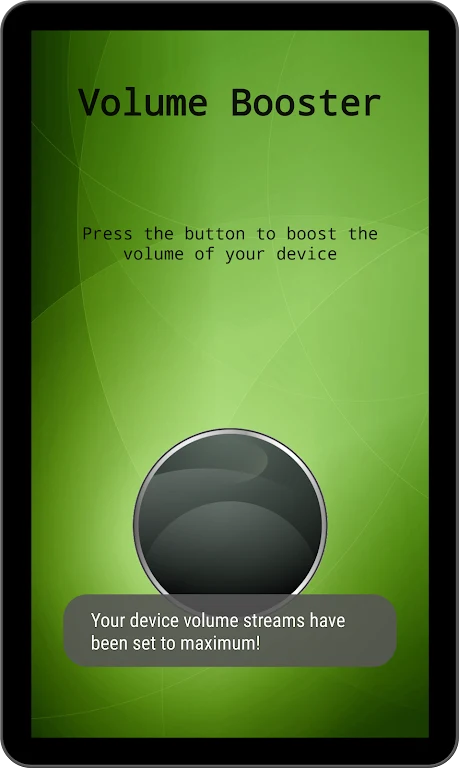
About this app
Simple Volume Booster is an Android app for increasing the volume of audio played through a phone’s built-in speaker or headphones. It is described as a simple volume control for situations such as watching a movie, listening to music, or playing an audiobook. The app’s stated purpose is to amplify sound, rather than to provide separate tools for editing or managing audio.
Which audio outputs does the app support?
The supplied description says the app works with the phone’s built-in speaker and supports headphones. This makes both listening through the phone and listening through headphones relevant use cases. The source does not specify particular headphone types or describe additional audio equipment support.
What can you adjust?
The described control is volume: users can raise it to a preferred level with a few taps. No equalizer, sound-profile settings, or other audio controls are identified in the supplied information, so the app’s stated function is focused on amplification rather than broader sound customization.
When might a volume boost be useful?
The listed examples include movie dialogue that is difficult to hear, music, and audiobooks. These are examples of audio played on the phone, not separate playback features. The app is presented as a way to increase the level for these listening situations; the source does not describe other media tools or claim that boosting volume improves the underlying audio quality.
How should volume increases be approached?
The supplied tips recommend starting with small increases and raising the level gradually, stopping at a setting that is clear and comfortable. They also note that a noisy environment may call for a different level from a quiet room. For headphone listening, the description suggests adjusting the volume to personal preference, while cautioning against levels that cause distortion or discomfort.
Version history
View all11 Jul 2024 · stable