

Slow Motion Video Camera
VideoVibeSlow Motion Video Camera by VideoVibe lets you adjust video playback speeds, trim clips, add stickers, and apply custom frames to your footage.
Screenshots
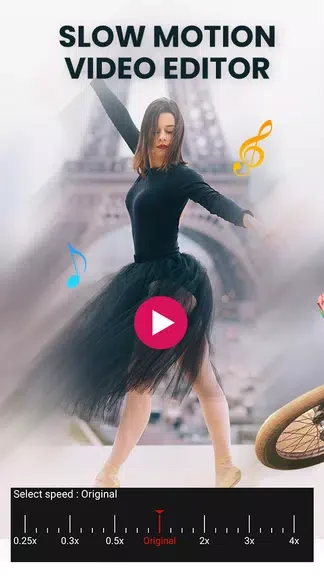
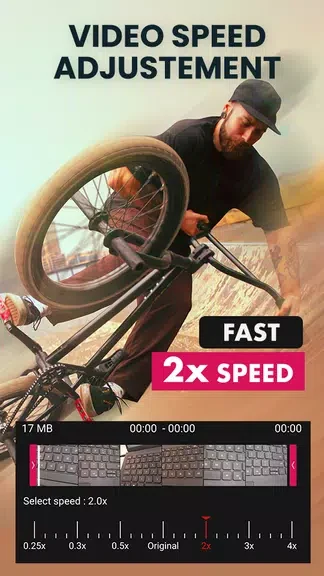
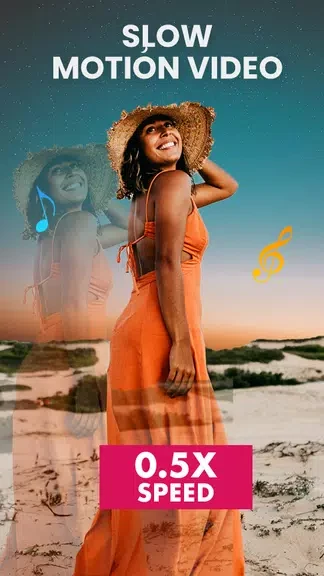
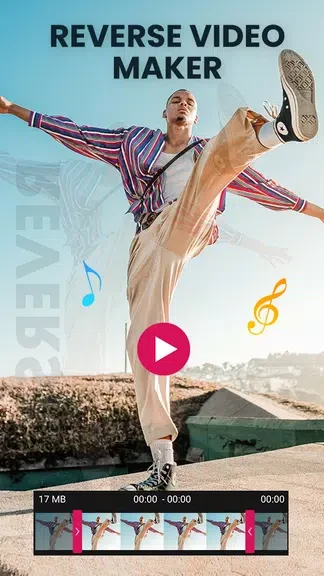
About this app
Slow Motion Video Camera is a video modification tool designed to help users alter the pace and appearance of their footage directly on Android devices. Developed by VideoVibe, the application addresses the need for straightforward video manipulation by offering adjustable playback rates, trimming capabilities, and various cosmetic enhancement options. Whether the goal is to highlight a specific moment by slowing it down or to compress an action scene using faster playback, the app provides a practical set of features to customize your visual content without complicating the editing process.
What speed adjustments can you apply to your videos?
The application supports a spectrum of playback rates ranging from slow-motion options like 0.5x and 0.9x up to fast-motion effects reaching 2.0x. Users can select specific speed settings to match their creative goals, altering the overall mood and pacing of the footage.
How do seamless transitions work within a single clip?
Users can configure the start and end times for individual speed segments within the same video. This capability allows you to combine slow-motion and fast-motion effects consecutively, creating fluid transitions between different pacing rates inside a single file.
What additional editing tools are included?
Beyond speed alterations, Slow Motion Video Camera provides tools to trim video clips without losing quality. You can also reverse your video playback for a unique visual twist, as well as apply multiple effects, decorative stickers, and custom frames to personalize each project.
How can you preview your edits before finalizing?
The app features a built-in preview function that lets users check how different speed settings and visual changes alter the look of their video in real-time. This allows for adjustments to be made before completing the final export.
Who might find this video tool useful?
The application suits creators and casual users looking for a straightforward way to modify video pacing, trim unnecessary sections, and add decorative elements like frames or stickers to their personal recordings.
Version history
View all26 Oct 2024 · stable
Frequently asked questions
Can I apply multiple effects to the same video?
Yes, you can combine multiple speed effects, stickers, frames, and reverse options within a single video project.
Does trimming reduce video quality?
The application allows you to trim your videos without losing quality.