
Snaptroid App
Snaptroid App is an Android tools app for downloading videos from supported online links, with choices for file format and resolution. It also includes a built-in player for previewing files and can queue multiple files for download.
Screenshots
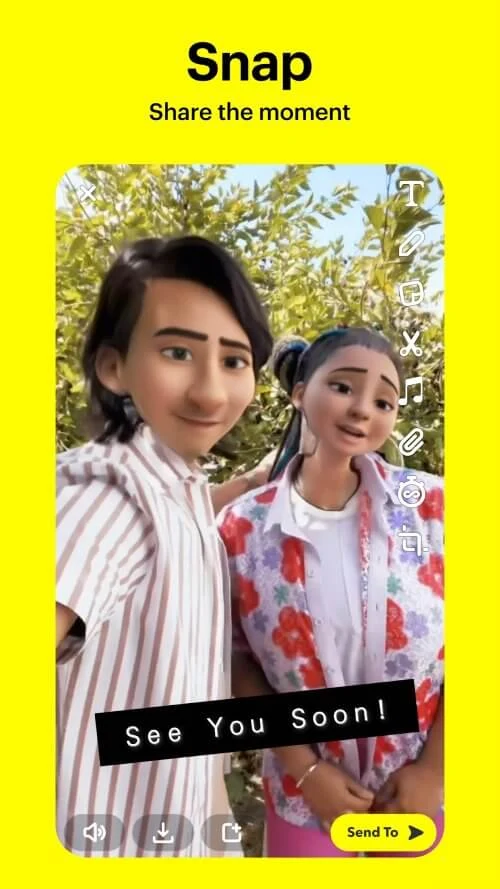
About this app
Snaptroid App is an Android app listed in the Tools category, version 1.0. Its best-documented function is saving video content from supported online links, with controls over file format and resolution. The description also covers a built-in player and the ability to queue several downloads, which together shape how the download process is used.
Handling links from multiple content platforms
The description says the app is designed to work with several content platforms rather than a single service. It gives two examples: downloading a video from Instagram Reels and saving an educational lecture from YouTube. The supplied information does not provide a full list of supported platforms, so users should check the source link against the app's own coverage before relying on it.
Choosing file format and quality
The app offers more than one option for download quality and file format. According to the description, users can choose MP3, MP4, AVI, and other file types. Users can also select a resolution, from standard definition up to HD or 4K. The description notes that the available resolution depends on the source content, so a higher setting does not guarantee that a higher-quality version exists for every link.
Previewing files in the built-in player
A built-in media player lets users preview files before or after downloading. According to the description, this makes it easier to check that content is the right one, or to watch a video without switching to another app.
Queuing multiple files
Batch downloading is another documented function. The app can queue multiple files, which the description presents as useful for collecting an entire playlist or album without repeating the same steps for each item. This matters most when a user is working with a series of related files rather than one video.
Other listed tools
The highlights section also lists a built-in editor for trimming, cropping, and customizing content, along with a secure account sync feature for managing content across profiles. The supplied information names these tools without explaining how they work, so this profile does not describe their steps or settings in detail.
Scope of the available information
The core facts in this profile are the download options, the built-in player, and batch queuing. Other details in the source material, such as broader social messaging or claims about safety and support, are not treated as verified features of this listing. Users who need specific information about platform coverage, supported formats, or account handling should review the app's own documentation.
Version history
View all17 Jul 2025 · stable
Frequently asked questions
Which file formats does Snaptroid App support?
The description lists MP3, MP4, and AVI, and mentions other file types without giving a complete list. Available options may depend on the source content.
Does Snaptroid App require a subscription?
The supplied description states that the app is free to download and use, with optional in-app purchases for additional features, and that no subscription is required.