
Soloop v1.47.9
Soloop v1.47.9 is an Android video editor for combining clips or photos into videos using templates, timeline controls, filters, text, stickers, transitions, and audio. It also offers playback-speed adjustments and an automated option for combining related clips.
Screenshots
About this app
Soloop v1.47.9 is an Android video editor for creating videos from clips or photos stored on a phone. Users can start with a template or work in a timeline, then add visual effects, text, stickers, and audio before previewing and exporting the result.
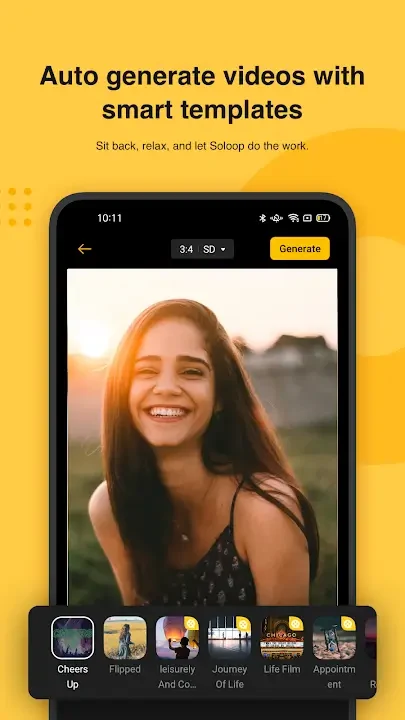
Start with a template or a new project
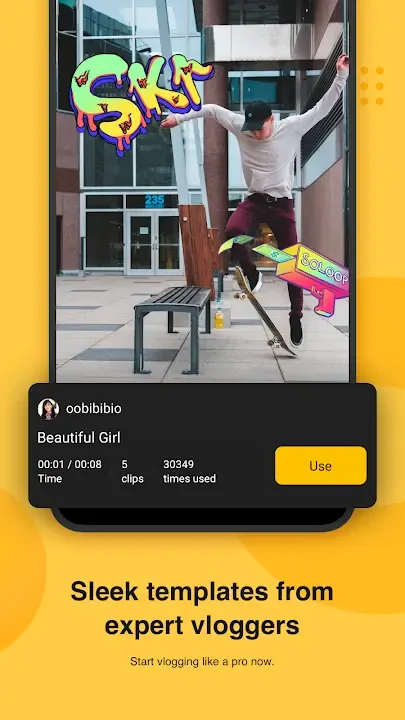
The editor includes 14 ready-made templates, with examples named Champion and Travel Diary. These provide a starting structure: select the content to use in the different parts of a template, then adjust the result as needed. Soloop also has an automated creation option described as Instant Recording, which can select and combine related clips stored on the device. This offers an alternative to arranging every part manually.
A project can use video clips or still images. When photos are selected, Soloop can turn them into a slideshow-style video, which can then be edited by trimming or combining content, adding music, or changing the playback speed. The project workflow also supports choosing an aspect ratio before editing. A preview lets users review a draft, and the Create control finishes the edit.
Arrange and refine footage
Soloop's editing workspace includes a preview area and a timeline with controls for playback, starting a new project, and undoing an edit. Selecting the project-creation control opens the choice between working with video and working with photos. The timeline is used to move through the project and make changes to its sections; its Plus control can become a Cut tool for splitting a clip. These controls support a basic sequence of selecting material, arranging it, reviewing the edit, and making adjustments.
Editing options include cutting and combining content, cropping, and changing video playback speed. The speed controls include faster settings such as 1.5x, 2x, 3x, 4x, and 5x, as well as the option to slow footage down. The source also describes choosing whether to keep or change the sound when applying motion effects. These controls can be used to alter the pace of a sequence without changing the other editing tools available in the project.
Apply visual and audio elements
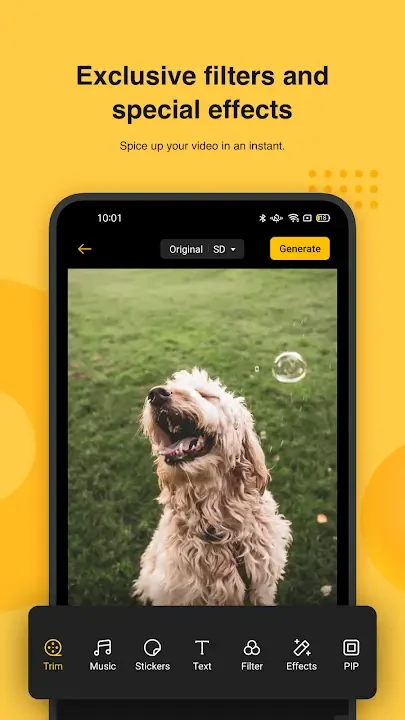
Clips can be enhanced with filters, transitions, frames, stickers, and text. Filters are presented in themed groups, including vintage-style and sea-related looks, so users can browse by visual style. Filters and effects are applied to clips in the project, while text and other layers can be added as separate elements. Transitions provide another way to shape how one section leads into the next.
Audio can be added to videos and photo slideshows, including music stored on the device. The source also mentions voice-over features, though it does not describe specific recording controls. Together, the visual and audio options let users add a soundtrack and supporting layers to a project rather than relying only on the original footage.
Preview, save, and project settings
The preview area is used to check a draft before finishing it. The workspace places the Exit control at the top left and Save at the top right, while the timeline and main editing controls occupy the lower part of the screen. The interface is described as locked to portrait orientation. After editing, the resulting project can be exported as a video.
If the phone's gallery appears empty, the app's settings may require storage access to be enabled under Permissions. The supplied instructions note that this permission may need to be granted manually rather than being requested at first launch. This is relevant when selecting existing photos or clips for a project.
Watermark option
The source describes a setting for turning the watermark on or off. It does not specify how the setting affects every export or identify any further requirements, so users should check the available watermark control in the app when preparing a video.
Version history
View all10 Jul 2025 · stable