

Square Blur-Pic Editor Effect
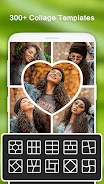
Square Blur-Pic Editor Effect is a photo editor focused on preparing images for social media without cropping. It combines square-friendly editing with glitch and light leak effects, filters, text, emoji stickers, backgrounds, borders, adjustment controls, doodling, and a mosaic tool for covering private content.
Screenshots

About this app
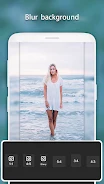
Square Blur-Pic Editor Effect is a photo editing app for creating social-media-ready images without cropping them. Its central function is no-crop editing, supported by square-oriented backgrounds and borders that let users adjust the presentation of a photo while keeping the editing process focused on the complete image.
No-crop photo composition
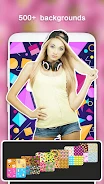
The app provides a way to edit photos without first cropping them for Instagram. Users can customize the surrounding presentation with more than 500 backgrounds and borders, giving images different framing options and a more personalized appearance. These tools support the main editing workflow by changing how a photo is presented rather than replacing its original subject.
Effects and filters for visual changes
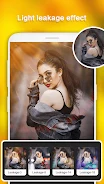
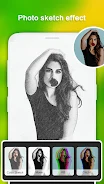
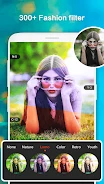
Square Blur-Pic Editor Effect includes more than 100 glitch and light leak effects for adding distinctive visual treatments to images. It also provides more than 100 filters intended to alter the overall look of a photo. Users can choose among these effects and filters according to the style they want to create.
Text, stickers, and drawing tools
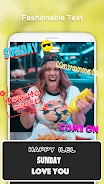
For additional decoration, the editor supports text with a selection of art fonts and offers more than 500 emoji stickers. Users can also doodle on their photos using multiple colors. These options allow captions, playful symbols, and freehand marks to be added directly to an image.
Manual image adjustments and content covering
The editing controls include brightness, saturation, shadow, and contrast adjustments for changing specific visual qualities. A mosaic tool is also available for hiding private content within a photo. Together, these controls cover basic tonal changes, creative additions, and selective concealment within the edited image.
Version history
View all24 Jun 2024 · stable