
Stargon Browser Mod
Onecook Co. Ltd.Stargon Browser Mod is a lightweight Android web browser that offers swipe-gesture navigation, an ad block feature, custom fonts, night mode and a built-in downloader for images and videos. The listing names Onecook Co. Ltd. as the developer and places the app in the Tools category.
Screenshots
About this app
Stargon Browser Mod is a lightweight web browser for Android, listed by Onecook Co. Ltd. in the Tools category. Its listing presents it as a browser with a range of built-in tools for moving around websites, reducing advertising, adjusting how pages look, and saving media from pages you visit.
Moving between pages with swipe gestures
The main navigation method described in the listing is the swipe gesture. According to the description, a swipe lets you move through web pages in a way that resembles turning the pages of a book. The listing pairs this control with the browser's lightweight design, which it says is meant to keep browsing fast and efficient.
Ad blocking and privacy-related tools
The browser includes an ad block feature that filters out advertisements while you browse. The description also says the browser blocks hidden tracking tools and mentions protection against DNS manipulation through a DNS VPN option. A secret mode is described in the FAQ as a way to browse without leaving traces, and it can be turned on without opening a separate tab. These are features as the listing describes them; the supplied material does not include independent testing of how completely they work.
Display and reading settings
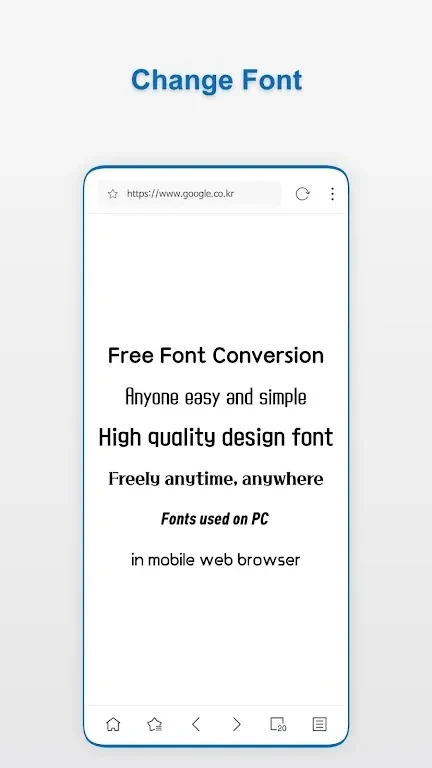
Customization centers on custom fonts. The listing says you can choose from a variety of fonts, sizes and thicknesses to suit your preferences and make web pages easier to view. A night mode is also included, which the listing says is intended to reduce eye strain and improve reading in low-light conditions.
Saving images and videos
A built-in downloader lets you save images and videos directly from web pages. The description says saved media can be watched later, even when you are offline. Whether a particular file plays offline depends on the media and the page, and that detail is not verified in the supplied information.
Translation and device compatibility
The FAQ in the listing says web pages can be translated using the browser's Google translation system, which is intended to help you browse in your preferred language. The same FAQ states that the browser is compatible with mobile devices running Android. The supplied data does not clearly state a minimum Android version, so the store listing should be checked for device requirements before installing.
Version history
View all02 Sep 2024 · stable