

Stellarium Plus - Star Map APK
Stellarium Plus - Star Map APK is an astronomy and planetarium app for identifying and exploring stars, planets, constellations, satellites, and other celestial objects. It combines real-time sky simulation, augmented reality, location and time controls, object information, telescope control, night vision, offline access with limited data, and a 3D solar system view.
Screenshots
About this app
Stellarium Plus - Star Map APK supports sky observation when you want to identify objects above you or study how the sky appears from a particular place and time. The app presents stars, planets, constellations, satellites, comets, nebulae, galaxies, and other celestial objects through an interactive simulation that can be explored on an Android device.
When you want to identify objects in the sky
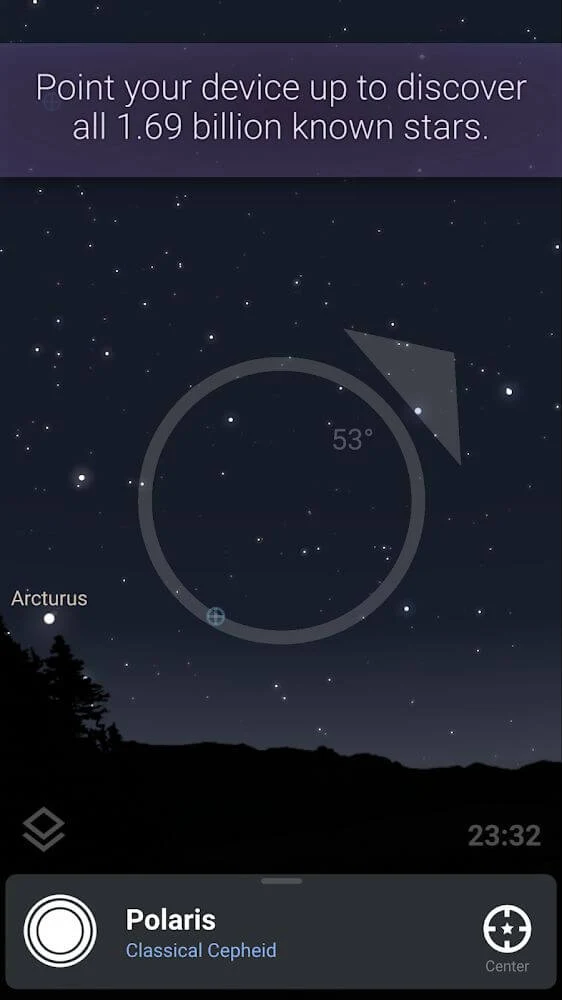
The real-time sky simulation is designed for pointing a phone toward the night sky and identifying visible stars, planets, and constellations. Its augmented reality view places information about sky objects on the device display, so you can interact with the simulated view while looking in a chosen direction. The source describes access to a very large collection of known stars, along with deep-sky objects and other astronomical entries.
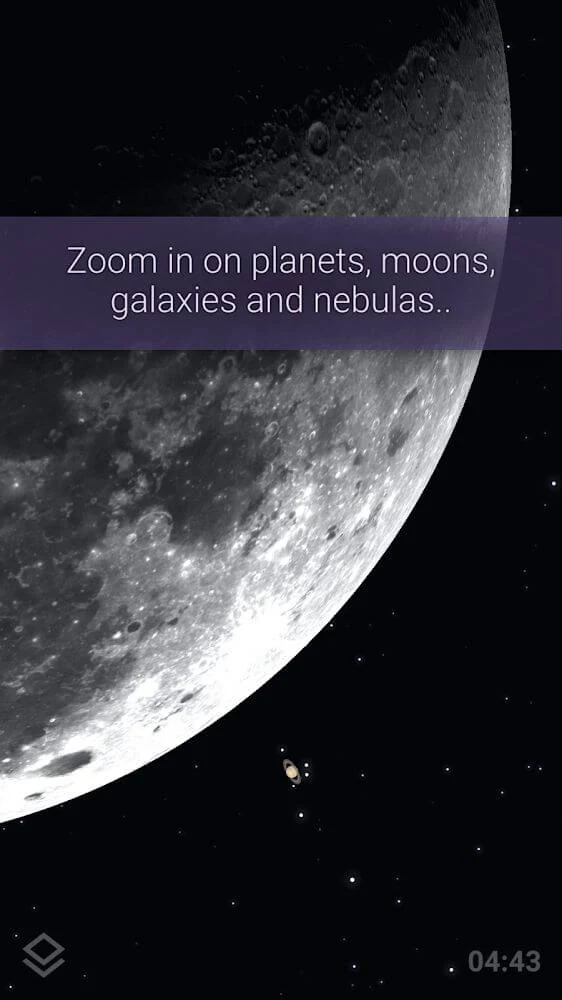
When an object catches your attention, you can select it to view additional information. This makes the app useful not only for recognizing individual points of light but also for examining the details associated with stars, planets, constellations, satellites, and other catalogued objects. Zoom controls allow you to move between a wider view of the sky and a closer look at a selected object or region, including deep-sky areas and the Milky Way.
When you are preparing a view for a particular place and time
Stellarium Plus - Star Map APK allows the simulated sky to be adjusted by location, date, and time. You can choose where and when the view should be set, then examine the sky as it would appear under those selections. This is useful for checking celestial positions beyond the current moment or for exploring how the sky differs between locations.
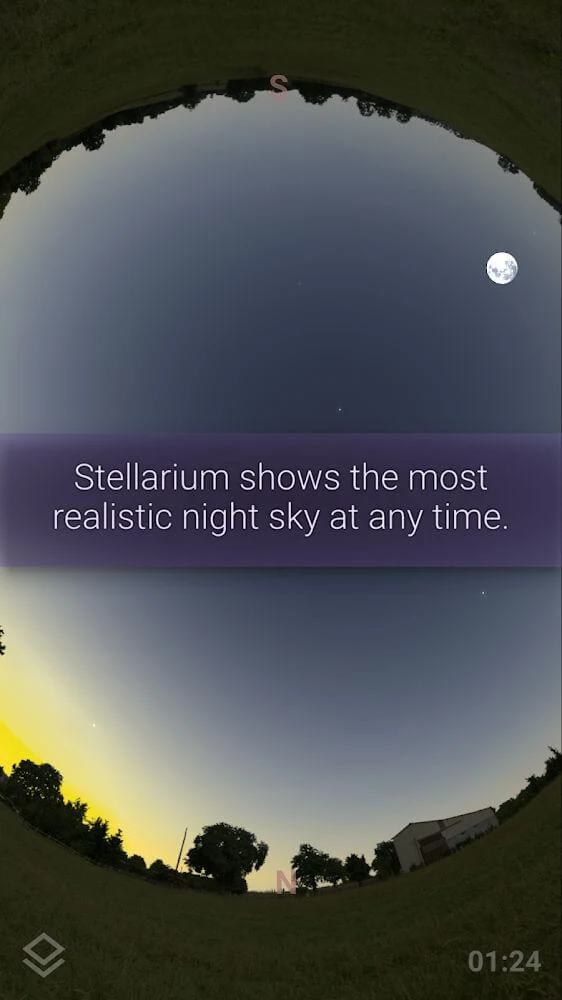
The simulation also includes sunrise, sunset, and atmospheric refraction effects. These elements are presented as part of the selected landscape and atmospheric conditions, helping the displayed sky correspond more closely to the chosen setting. The app can therefore be used to inspect daytime or nighttime sky conditions rather than limiting exploration to a fixed view of the present night.
When you want a closer look at planets and the solar system
The 3D solar system view provides rendered models of planets and their moons. It presents the planets in relation to the Sun and shows their orbits, giving you a way to examine the solar system as a three-dimensional model rather than only as objects appearing in a flat sky view.
This view complements the app's catalogue and information tools. Instead of only identifying a planet as it appears from Earth, you can switch to a broader solar system representation and inspect the planets and moons in a more spatial format. The source describes this function as useful for learning about the solar system and the movement of its planets.
When satellites are the focus of your observation
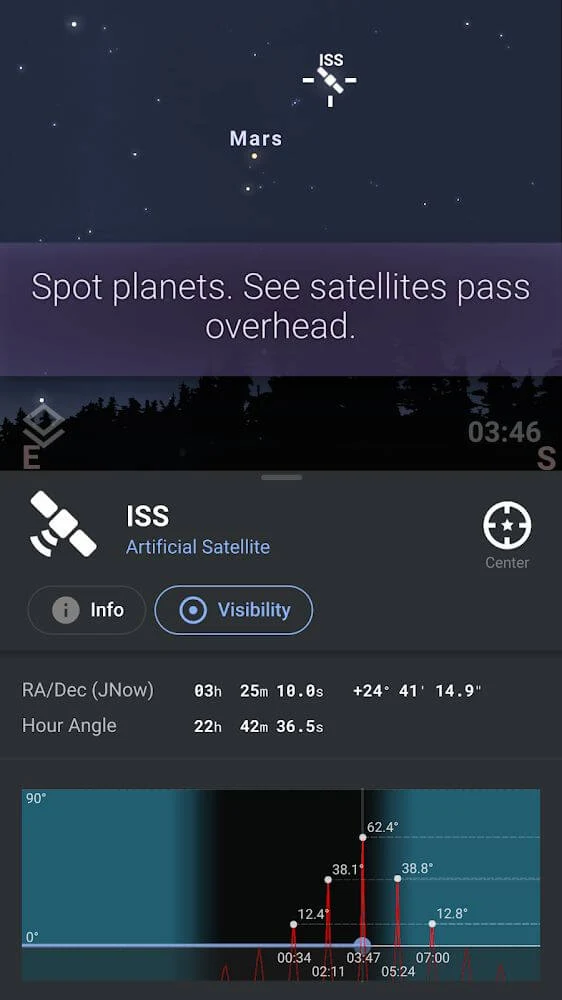
The satellite tools are intended for finding and following artificial satellites from the device display. You can search for a satellite by name or explore the sky to locate one interactively. The International Space Station is specifically included among the satellites that can be tracked, and the source states that the app can help users plan to see satellites overhead.
This gives satellite observation a separate place within the wider astronomy catalogue. Rather than limiting searches to natural objects such as stars and planets, you can use the same sky view to examine human-made objects moving across the sky.
When you are using a telescope
For users with a compatible telescope setup, the source states that Stellarium Plus - Star Map APK can control a telescope through Bluetooth or Wi-Fi. This connects the app's sky exploration functions with telescope use, providing another way to work with selected objects and navigate an observing session.
The app also includes information about celestial objects and tools for examining their positions. Telescope control is presented as an additional function for users who want to move from viewing the simulated sky on a phone to using an attached observing instrument.
When dark conditions make the screen difficult to use
Night vision mode changes the viewing presentation for nighttime observation. The source describes it as a way to help preserve dark adaptation while using the app, which can make the screen more suitable during a stargazing session. This mode is separate from the standard high-resolution display and is intended for situations where maintaining night vision matters.
When you want to explore astronomy without a connection
The app can work offline with limited data. This means that some sky exploration remains available when an internet connection is not present, although the source qualifies offline access as limited rather than describing it as a complete replacement for connected use. This option supports viewing the available astronomical data in places where connectivity is unavailable.
When cultural interpretations of the sky interest you
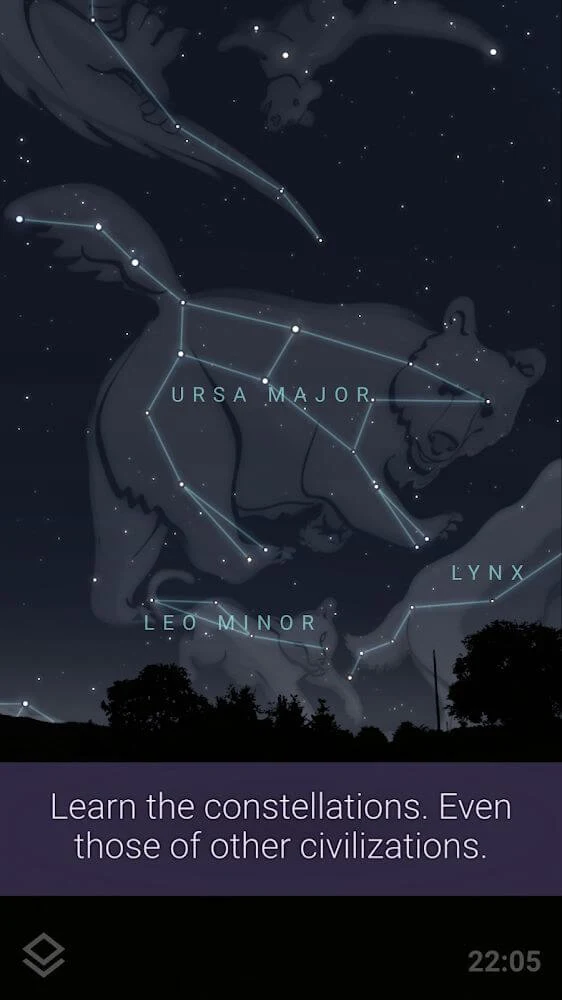
Alongside scientific object information, Stellarium Plus - Star Map APK includes constellation perspectives associated with different cultures and civilizations. You can explore how regions and traditions have interpreted patterns of stars, adding a historical and cultural dimension to the same sky objects shown in the astronomical view.
This feature places constellations in more than one interpretive context. The stars remain part of the interactive sky simulation, while the cultural perspectives show how different civilizations have organized and understood those patterns.
When visual detail is important
The source highlights high-resolution graphics for viewing the night sky on phones and tablets. Stars, planets, constellations, satellites, and deep-sky objects can be displayed with detailed visuals, while zoom controls let you decide whether to study a broad section of the sky or concentrate on a smaller area.
Together, the visual simulation, object information, adjustable location and time, augmented reality, satellite tracking, 3D solar system, telescope control, night vision, and limited offline access support different ways of exploring astronomy from an Android device.
Version history
View all21 Jul 2025 · stable