

Sunny HK -Weather&Clock Widget
30SparksSunny HK -Weather&Clock Widget brings Hong Kong Observatory weather data, forecasts, warnings, and air-quality information into a one-page view. It also offers weather tips and customizable widgets.
Screenshots
About this app
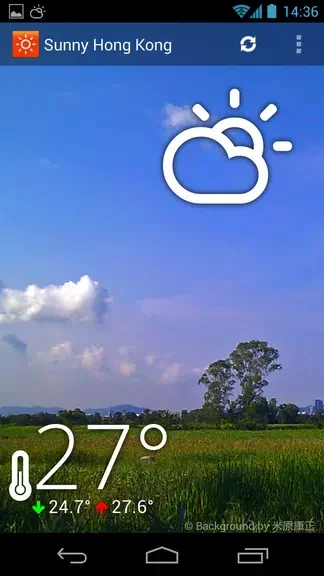
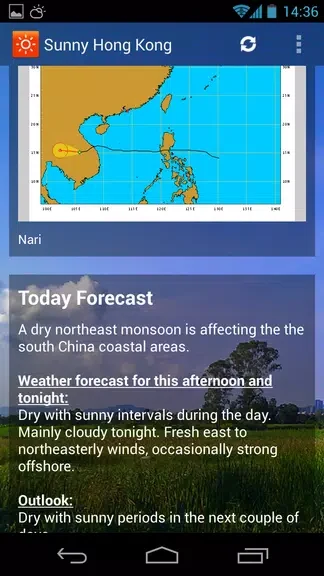
Sunny HK -Weather&Clock Widget helps people in Hong Kong check current conditions and plan around changing weather without moving between several screens. Its one-page view brings together Hong Kong Observatory data, regional conditions, forecasts, warnings, and air-quality information. Temperature, humidity, and wind speed provide a closer look at the day’s conditions, while weather tips offer guidance for planning activities. The app also includes typhoon tracking, giving users another way to follow weather that may affect their plans.
Conditions and forecasts in one place
The main view is designed for a quick overview, but it includes more than a single temperature reading. Regional weather information sits alongside forecasts and warnings, so users can check both what is happening now and what may be ahead. Air-quality information adds another consideration when deciding how to spend time outdoors.
Tips and typhoon tracking
Special weather tips provide recommendations based on conditions. Together with forecasts and typhoon tracking, they help turn weather data into information that is useful when planning a day in Hong Kong. Warnings are included in the app’s weather information; push notifications are listed separately among the Professional Version’s additional features.
Widgets and visual options
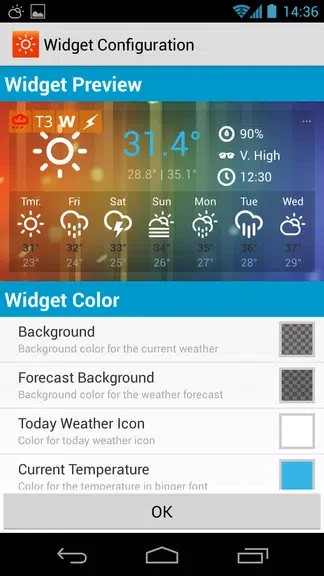
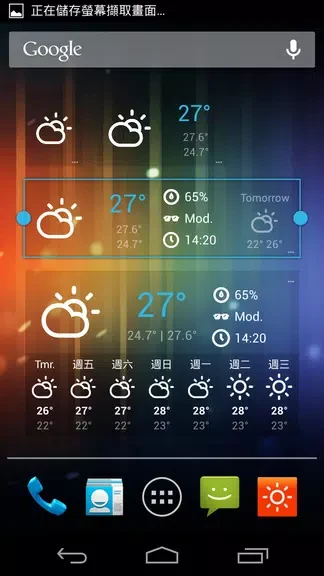
Weather widgets can be adjusted with options including size, color, and font size. The app also uses photos of Hong Kong as backgrounds. For users who want a more prominent clock display, a larger clock widget is listed as a Professional Version feature.
Free and Professional versions
The app is available to use for free, with an optional Professional Version. The source identifies push notifications and the larger clock widget as added features of that version, but does not specify its price.
Version history
View all05 Nov 2024 · stable
Frequently asked questions
Where does the weather data come from?
The app’s weather data is sourced from the Hong Kong Observatory.
Can I customize the widget?
Yes. The listed options include widget size, color, and font size.
What does the Professional Version add?
The listed additions include push notifications and a larger clock widget.