

SX HD Video Player
SX HD Video Player is an Android media player for 4K and other video formats, with subtitle support, audio effects, local file browsing, and network stream playback. It also includes floating-window viewing, media organization, wallpapers, and a demo caller screen.
Screenshots
About this app
SX HD Video Player is an Android video player for watching local and network media in high definition. It supports 4K, HD, and full HD playback, subtitles, multiple video formats, and audio effects, giving users a single place to browse and play video or music files. The app can detect media stored in internal storage or on an SD card, search for files by name, and provide playback controls for volume, brightness, and progress. It also includes a file organizer, a media access browser, floating pop-up playback, wallpapers, and a sample incoming-call screen for entertainment.
Can it play 4K and different video formats?
The player is described as supporting 4K, HD, full HD, and all video formats. Hardware acceleration is included for faster and smoother playback on supported devices, while subtitles are available for compatible videos. Users can watch in full screen or choose a floating pop-up window when they want to keep the video visible while using other parts of the device.
Playback controls can be adjusted directly on the viewing screen. Swiping allows users to control volume, brightness, and the current playing position, so common adjustments do not require leaving the video.
How does it find and organize media files?
SX HD Video Player can automatically identify video files in internal storage and on an SD card. Its multimedia file manager is intended for browsing, managing, and organizing media, while name-based search helps users locate previously watched videos or music files without manually checking every folder.
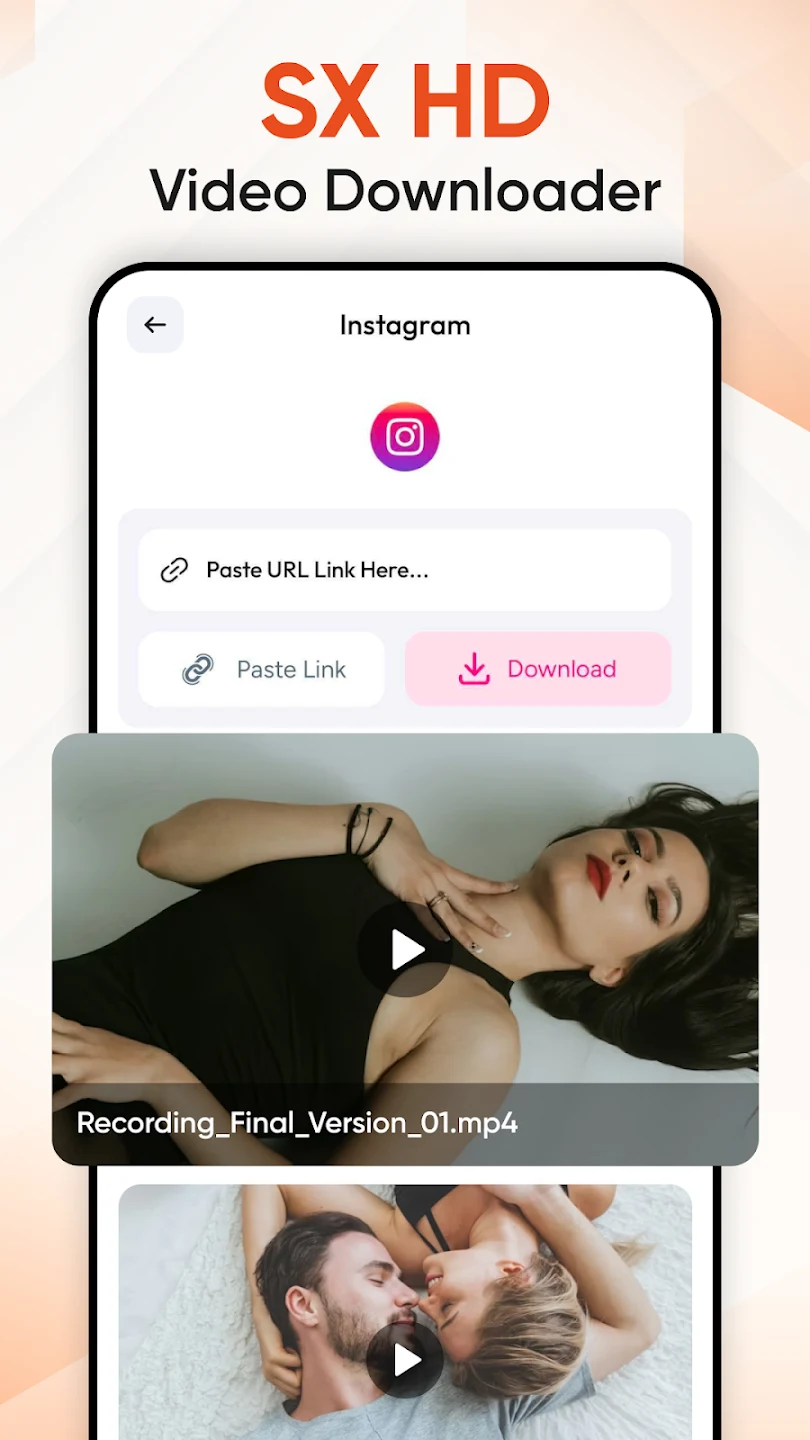
The integrated media access browser can be used to explore supported media content for personal offline viewing. The source also describes privacy-related protection against unauthorized viewing or accidental deletion, although it does not specify the exact controls used for that protection.
Can it play videos from a network URL?
In addition to local files, the app provides a Network Stream option. Users can enter a video URL to play supported network stream content in the player. This gives the app a second playback route for content that is not already stored in local device storage.
What audio and viewing controls are included?
The audio tools include an equalizer, bass booster, and stereo surround sound effect. These settings are intended to let users customize how video and music sound while playing. The app also supports full-screen playback and a movable floating window whose position can be changed on the screen.
What extra tools are included beyond video playback?
The home screen provides direct access to important features and tools, and the app is described as optimized for smooth navigation on supported devices. Alongside its media functions, it includes a wallpaper collection for changing the device appearance.
A sample caller screen is also included. This is a demo incoming-call screen for entertainment purposes only, not a replacement for the device's calling interface. Overall, the app may suit Android phone and tablet users who want high-definition playback together with local file browsing, audio adjustment, network streaming, and a few additional customization tools.
Version history
View all16 Jul 2026 · stable
Frequently asked questions
How much storage space does SX HD Video Player use?
The supplied information lists the app size as about 7.9 MB, or 8,282,683 bytes.
What can cause the app to crash or stop responding?
The source lists an outdated app version, a full cache, insufficient RAM, or a system conflict as possible causes. It suggests updating the app, clearing the cache, or restarting the device.
Why might SX HD Video Player not be supported on a device?
The source points to an outdated Android version or incompatible technical requirements, including differences between device architectures such as ARM7, ARM8, and x86.