
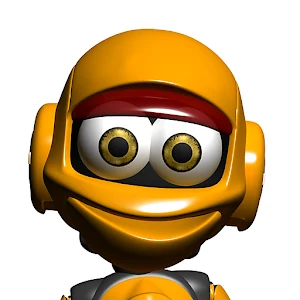
Talking Roby Celik
Talking Roby Celik is an interactive robot app that speaks typed text, repeats spoken words in a robotic voice, reacts to touch, dances to hip-hop music, and responds when the device is shaken. It also lets you create Roby videos to share through social platforms, email, MMS, or an SD card.
Screenshots
About this app
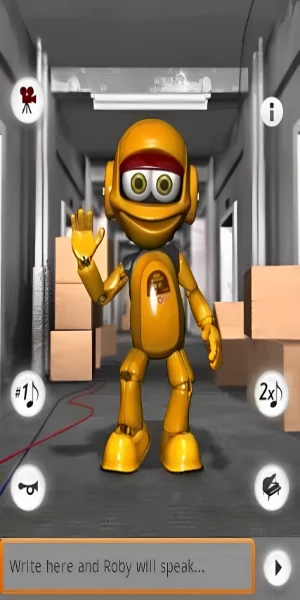
Talking Roby Celik provides an interactive robot companion that can speak words and sentences entered through the keyboard. Roby can also repeat what you say using a robot voice, combining text and voice interaction in one experience.
Type or speak to Roby
To use Roby's text feature, type a word, phrase, or sentence and he will say it aloud. When you talk to him, Roby recites your words in his robotic voice. A setting lets you adjust how long he listens before repeating what he hears.
Touch reactions and balance
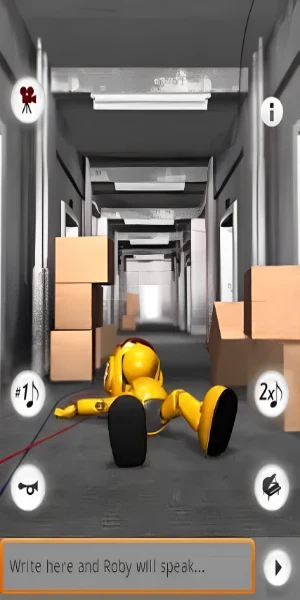
Roby responds when you poke different parts of his body, including his head, body, and arms. You can also pet him to see his reaction. Shaking the device activates a balance test, allowing you to watch how Roby responds while trying to keep his balance.
Dance controls and appearance
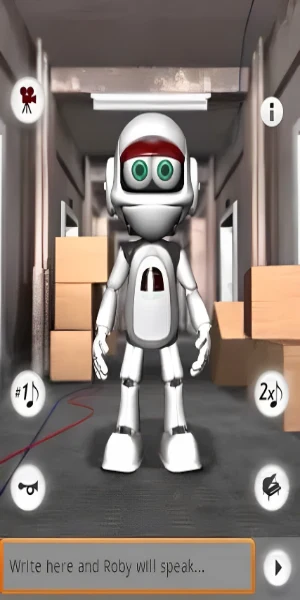
Buttons in the app control Roby's dance mode. Pressing the relevant button makes him perform a hip-hop dance routine. The Settings option in the Menu also lets you change his color to orange or silver, providing a choice between two robot appearances.
Create and share Roby videos
The app supports making videos featuring Roby. These videos can be posted to Facebook or YouTube, sent by email or MMS, or stored on an SD card. The settings also include an option to delete stored YouTube and Facebook login information.
Version history
View all17 Dec 2024 · stable
Frequently asked questions
Which robot colors are available?
The settings allow Roby's color to be changed to orange or silver.
Where can Roby videos be shared or stored?
Videos can be posted to Facebook or YouTube, sent by email or MMS, or stored on an SD card.