

The NET Bible®
Scripture EarthThe NET Bible® combines scripture reading with translator notes, cross-references, search, and tools for organizing study. It also supports offline access, translation comparisons, and customizable reading displays.
Screenshots
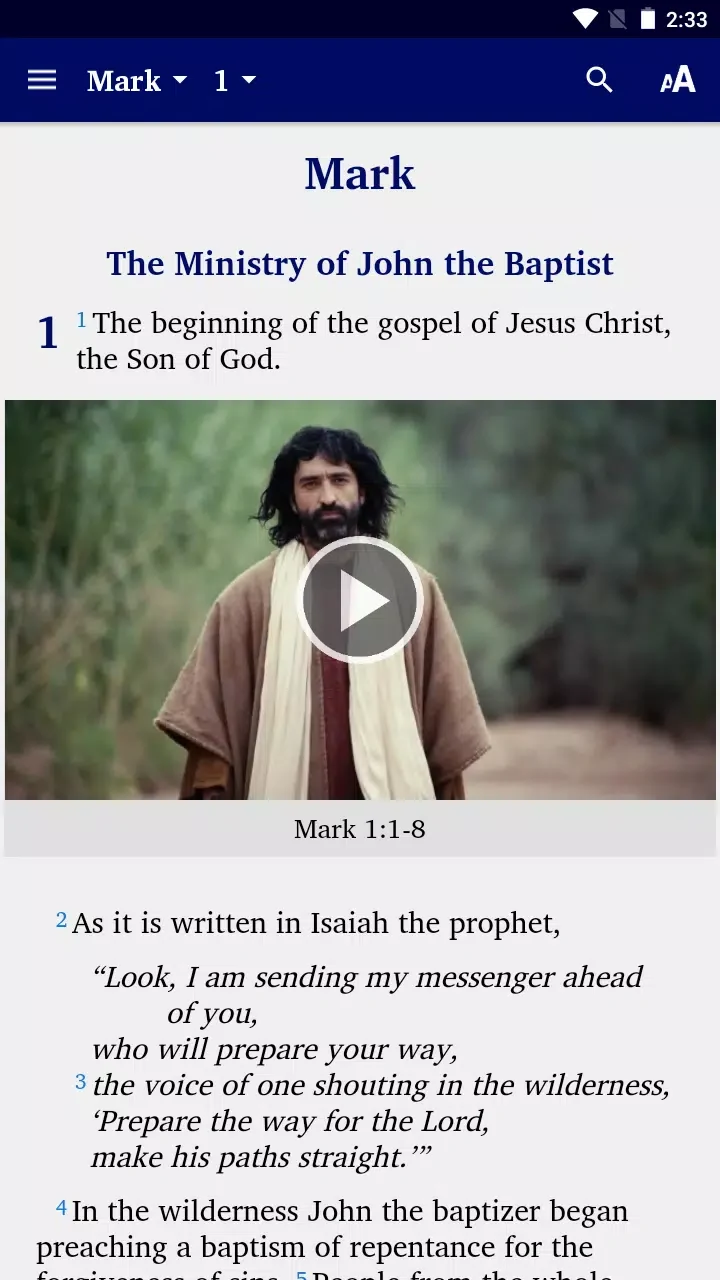
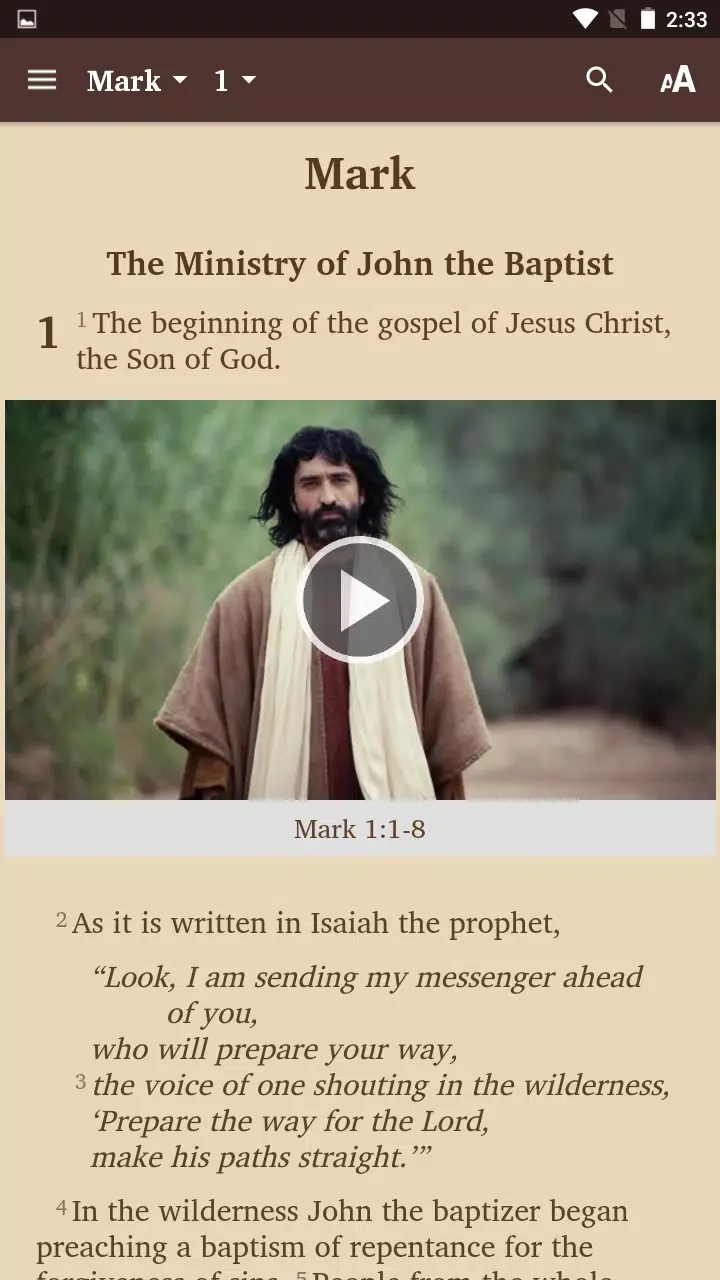
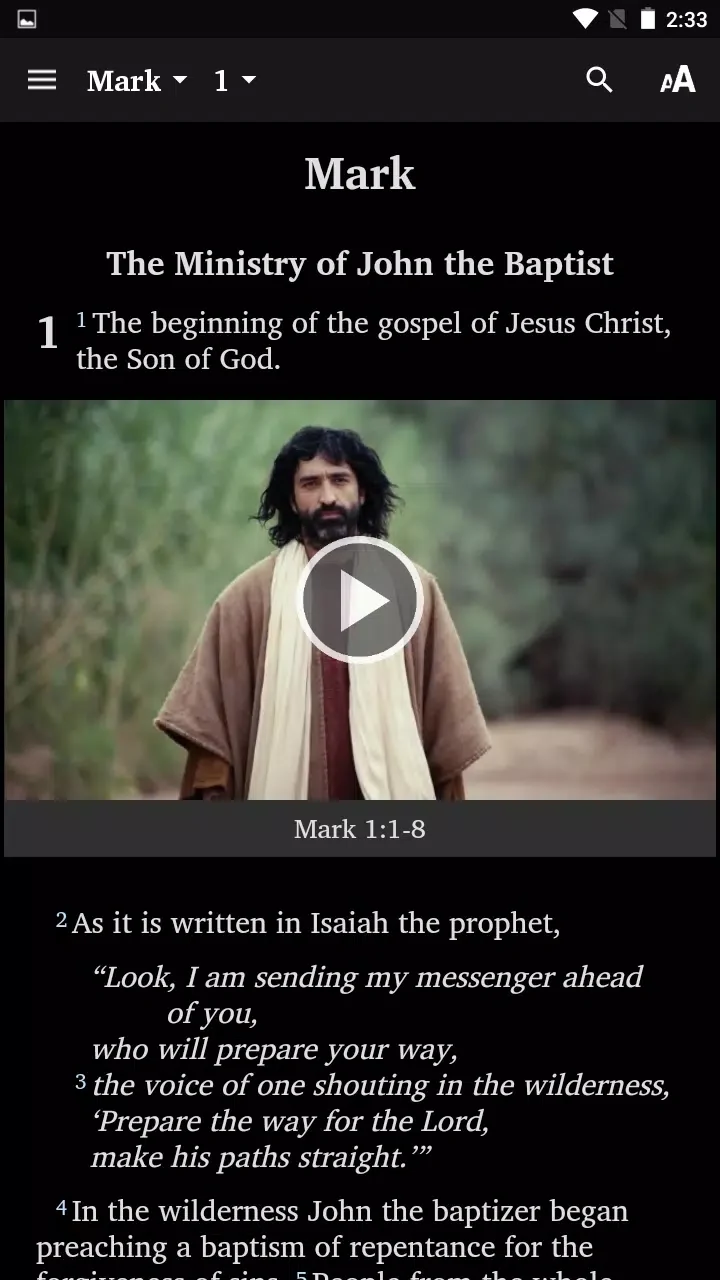


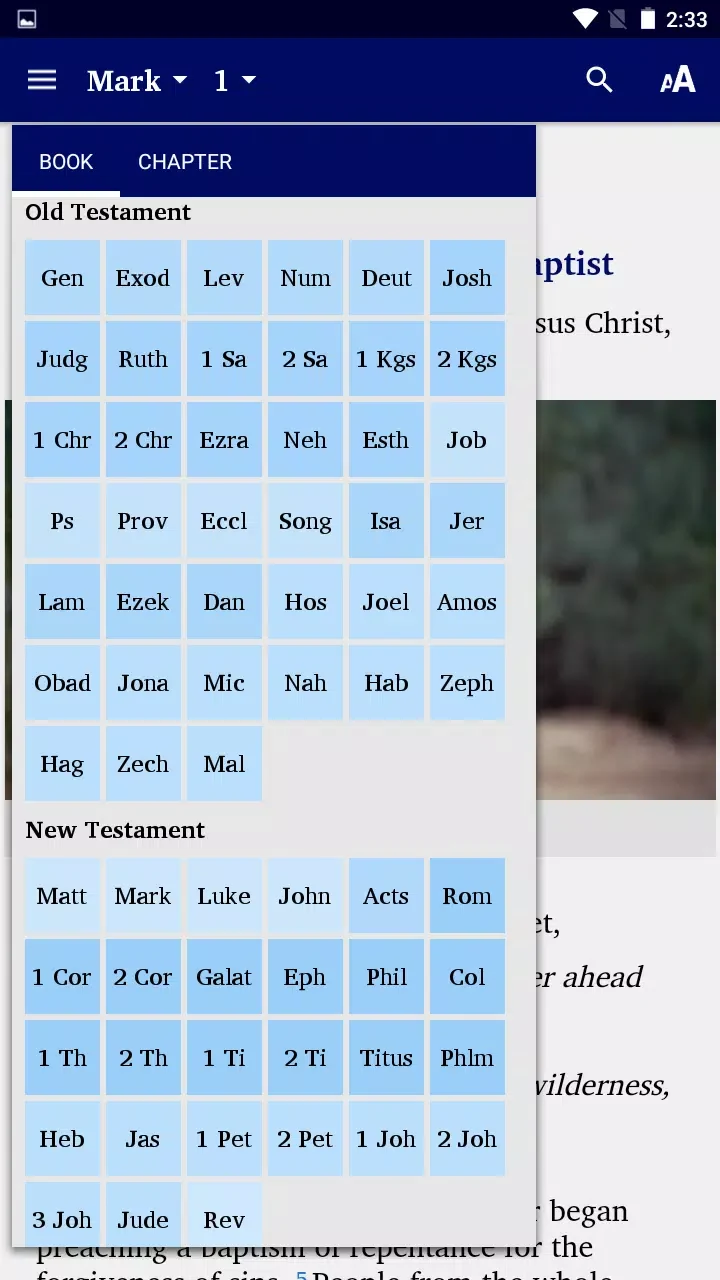
About this app
The NET Bible® is an Android Bible app for reading scripture and exploring the notes and references associated with its translation. Its tools support both passage lookup and more focused study, with options for comparing translations, organizing research, and reading offline.
What study information accompanies the text?
Translator notes explain choices made in translation, with discussion of linguistic and textual background, manuscript evidence, and alternative renderings. Cross-references connect related passages. Strong’s tagging and lexical references provide ways to examine Hebrew and Greek terms. Together, these resources can inform personal study, academic research, or preparation of teaching material.
How can readers find and compare passages?
Full-text search helps locate verses and phrases, and searches can be filtered by testament or directed to notes. Queries can be saved for recurring research. The app also supports comparing the NET translation with other versions, including a split-screen view for side-by-side reading. A chapter index provides access to books, swipe gestures move between chapters, and continuous scrolling is available for following longer passages.
What options are available for reading and offline access?
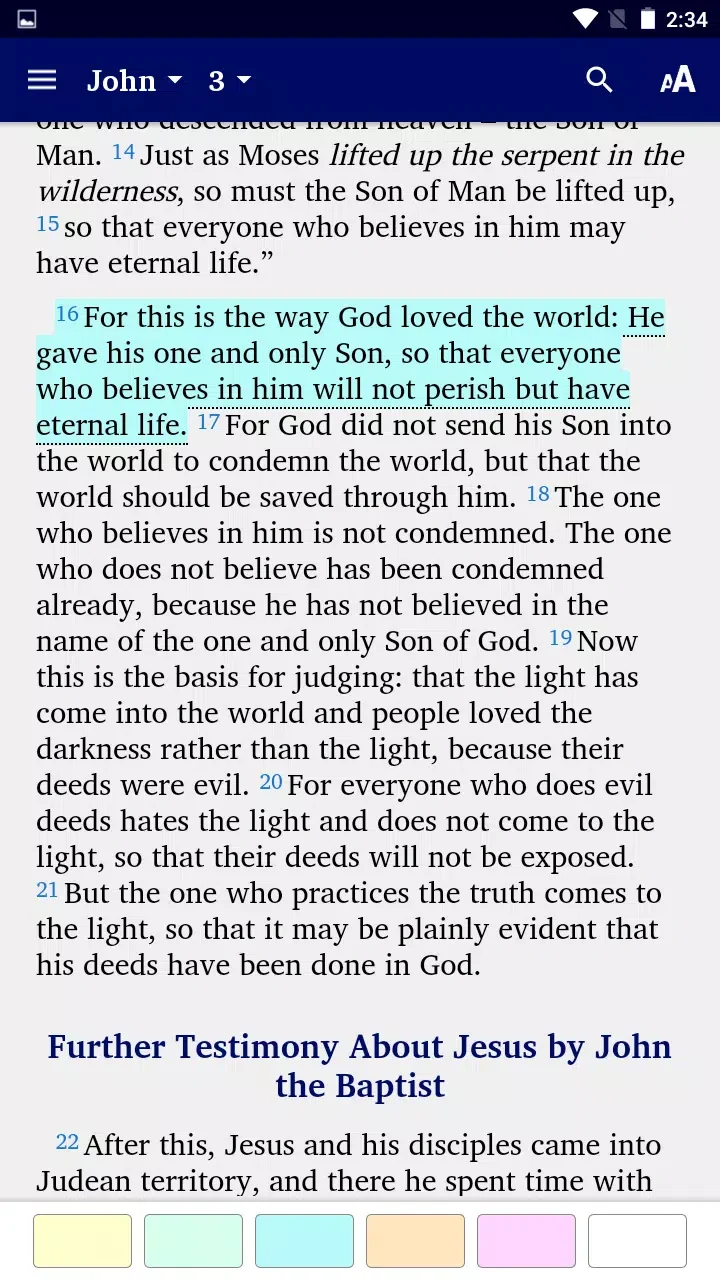
The description states that the complete text can be downloaded for offline access. Readers can adjust font size, line spacing, and contrast, choosing light, sepia, or dark modes. Text can appear in paragraph or verse-by-verse format; verse numbers can be toggled, and notes can be displayed in compact or expanded form. These controls let readers adjust how scripture and its supporting material appear on screen.
How does the app organize study material?
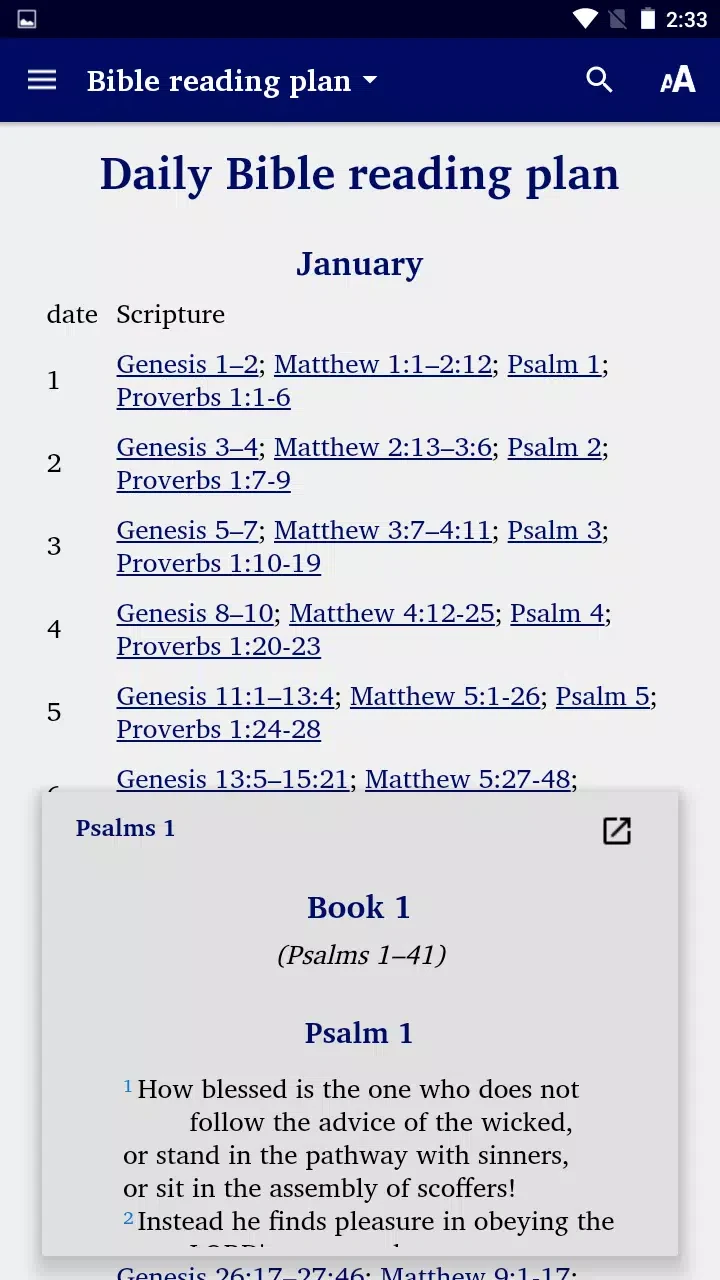
Users can bookmark and highlight passages, add personal notes, and group material into collections. Tags can be used to categorize bookmarks and notes, while customizable highlight colors and note categories support a chosen organization system. Reading plans can be set up and their completion tracked. The description also notes that selected modules can be downloaded for offline use.
Version history
View all14 Oct 2026 · stable
Frequently asked questions
Does the app include audio playback?
Audio playback is available for many books, according to the app description.
Can study material be shared or backed up?
The description says passages and notes can be shared through social platforms, messaging apps, email, or other apps. It also describes cloud-service integration for backing up highlights and notes across devices, and exporting study material in common formats.