
Timelapse - Sony Camera
Timelapse - Sony Camera lets users remotely control supported Sony cameras, adjust capture timing, and create time-lapse or fast-motion videos. It also includes photo preview, screen-off capture, high-resolution recording options, and built-in editing tools.
Screenshots
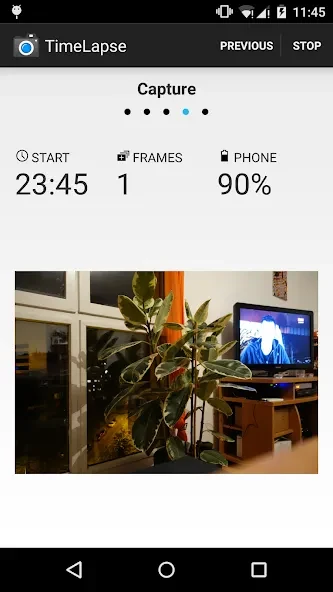
About this app
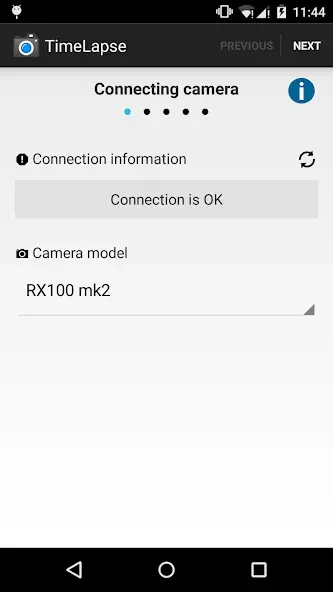
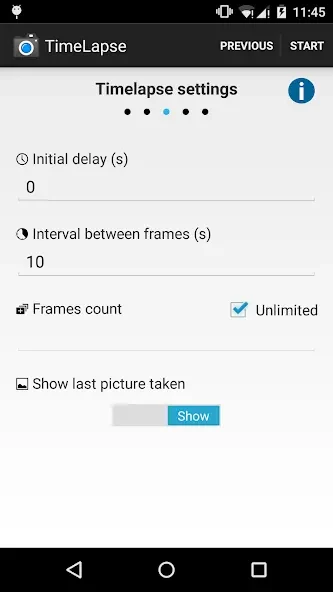
Timelapse - Sony Camera is a free Android camera app for remotely controlling a Sony camera while creating time-lapse or fast-motion content. It addresses the need to capture photos and video at planned intervals without operating the camera manually for every shot. Users can set an initial delay, choose the interval between frames, preview photos, and record with the screen turned off. The app also offers high-resolution video settings, image capture alongside video, and editing tools for trimming clips and adjusting color or brightness after recording.
How can you control a Sony camera remotely?
The app allows users to take pictures remotely with a Sony camera and decide how frequently images are captured. The capture interval can be adjusted to suit the movement of the subject, while an initial delay provides time to prepare the scene before recording begins.
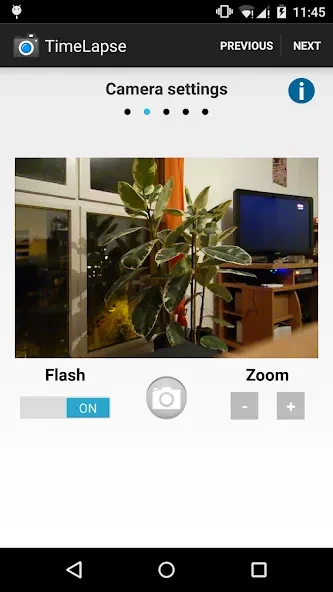
Photos captured through the app are stored on the camera's SD card. Users can also preview photos and take pictures while the Android device screen is turned off, which supports longer or less interrupted capture sessions.
What video settings are available for time-lapse recording?
Timelapse - Sony Camera supports time-lapse and fast-motion clips with adjustable frame intervals. It offers video resolutions up to 2160p 4K and includes a customizable bit rate, giving users control over important recording settings.
The app can record directly to video, and users can change the speed value relative to real time. A wizard mode includes custom values instead of limiting users to presets, which is useful when the intended recording duration is already known.
Can the app capture images as well as videos?
Yes. In addition to video recording, the app can capture images, allowing users to choose the format that fits the project. This makes it possible to use the same remote-control workflow for individual photos or sequences intended for a time-lapse.
What can you do after recording?
Built-in editing tools let users trim unwanted sections and enhance colors or brightness after recording. The app also provides playback-speed controls, so the motion can be presented more slowly or quickly to emphasize the subject's movement.
Users can share completed time-lapse videos directly from the app. For steadier results, the source recommends placing the camera on a stable tripod or surface and selecting a frame interval that matches the speed of the subject.
Which users may find these controls useful?
The app may suit Android users who own a Sony camera and want remote control over interval photography, planned delays, image capture, or high-resolution time-lapse recording. Its screen-lock and screen-off options may also be useful when the camera needs to continue working without an active phone display.
The interface is described as simple and intuitive, while advanced options include custom intervals, direct video recording, screen locking during recording, more than 20 app themes, and custom wizard values. The app does not require internet permission according to the supplied information.
Version history
View all15 Jul 2026 · stable