

Turbo VPN Monster Proxy
Turbo VPN Monster Proxy is an Android VPN app that routes your internet connection through remote servers to support private browsing and access to geo-blocked sites. Its listing describes one-tap connections, server switching through the flag icon, and encryption intended to protect activity on public Wi-Fi.
Screenshots

About this app
Turbo VPN Monster Proxy is an Android VPN app designed to route your internet connection through a virtual private network, which can help you browse with more privacy and reach sites that may be restricted where you are. Its listing focuses on three things: a simple one-tap connection, a set of servers in several regions, and encryption intended to protect activity on public Wi-Fi networks.
Privacy and encryption on public Wi-Fi
The app's description says it encrypts your internet connection, which it presents as more secure than a typical proxy and as a way to keep third parties from tracking your online activity. It also states that the app uses AES 128-bit encryption to protect your connection and sensitive data, and it recommends the app for use on public Wi-Fi hotspots. These are the listing's own statements. The description does not include independent testing or a security audit, so readers should consider them as the developer's claims.
Server network and switching locations
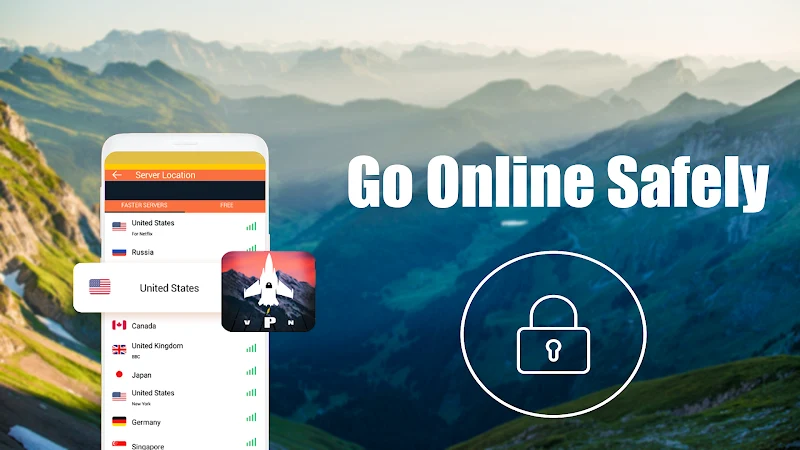
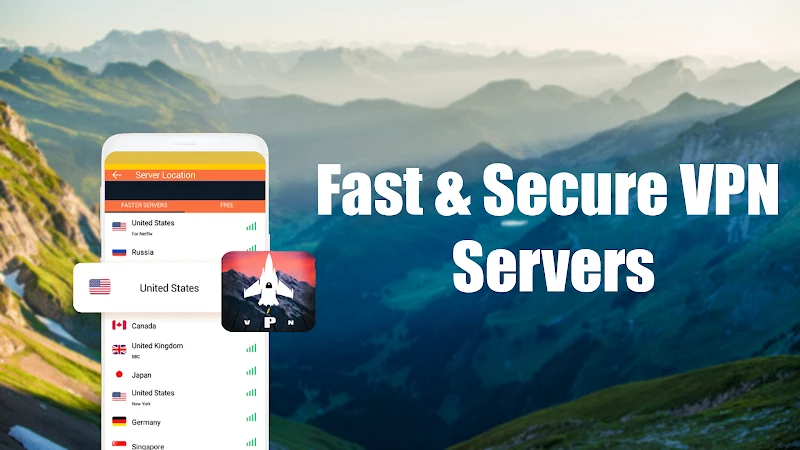
According to the description, the app provides a global VPN network with servers in America, Europe, and Asia, and the developer says more countries will be added. Most servers are described as free to use. To change location, you tap the flag icon and choose another server, and the listing says you can do this as often as you like. The flag control is therefore the main way to choose which server your connection uses.
Accessing geo-blocked content
The app is described as a way to reach geo-blocked websites and apps by routing traffic through servers in different parts of the world. The description does not promise access to any particular site or service. It also claims unlimited connections and buffer-free browsing on high-speed servers. These are promotional statements, and the description does not set out usage terms or measured performance figures to support them.
Setup and everyday use
The description states that no configuration is required. You open the app, tap a single button to connect, and then browse with the connection active. The interface is described as user-friendly, and changing servers is presented as a simple tap on the flag. The version listed for this entry is 1.0.
Version history
View all14 Jan 2025 · stable