

Twilight – Blue Light Filter
Petr Nálevka (Urbandroid)Twilight – Blue Light Filter adjusts device brightness to match indoor or outdoor conditions and offers manual light filters including Sun, Alarm, Custom, and Always. It reduces blue light intensity, supports profile scheduling, cross-platform data synchronization, and includes sleep improvement tips.
Screenshots
About this app
Twilight – Blue Light Filter automatically adjusts screen brightness to match surrounding light levels and reduces blue light intensity to help protect eyes and support sleep.
Does it adjust brightness automatically?
Twilight dynamically adjusts brightness according to indoor or outdoor surroundings so eyes remain protected without manual intervention.
What manual light filter options are available?
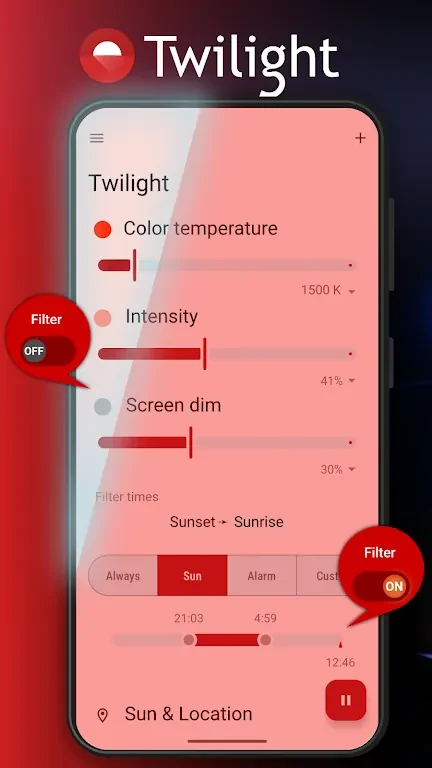
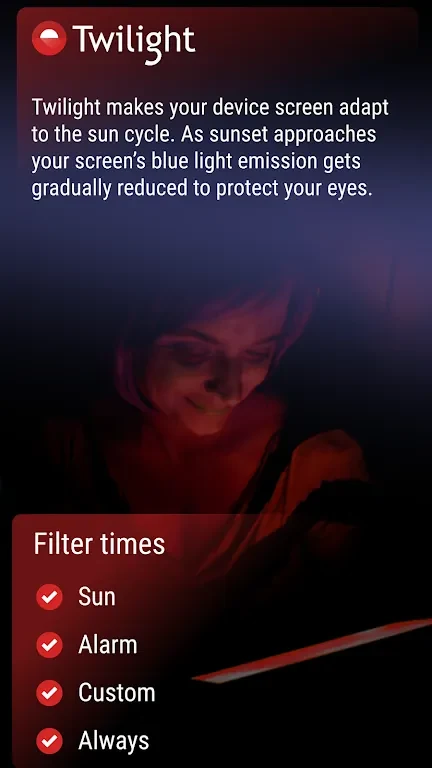
Users can select from Sun, Alarm, Custom, and Always filters to adapt the screen to different lighting preferences and times of day.
How does blue light reduction work?
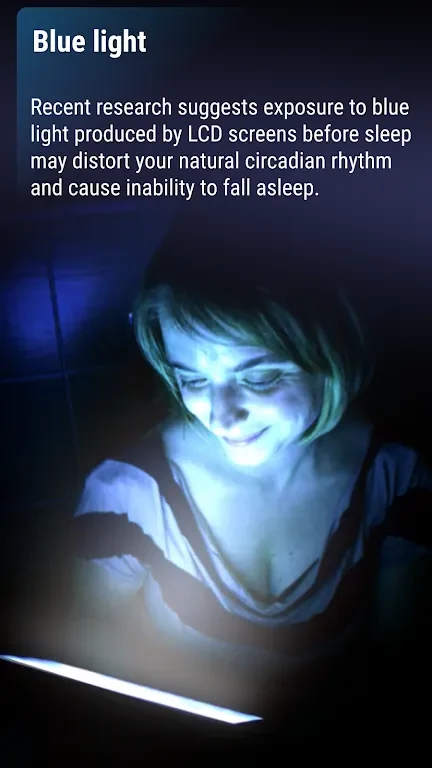
The app lowers blue light output especially in low-light or nighttime conditions when eyes are more sensitive, aiming to reduce strain and promote restful sleep.
Can users schedule different settings?
Profiles can be scheduled to change light intensity automatically throughout the day based on surroundings and user needs.
Does it synchronize across platforms?
Twilight synchronizes data and settings across various platforms to maintain consistent eye protection wherever the device is used.
Are sleep improvement tips included?
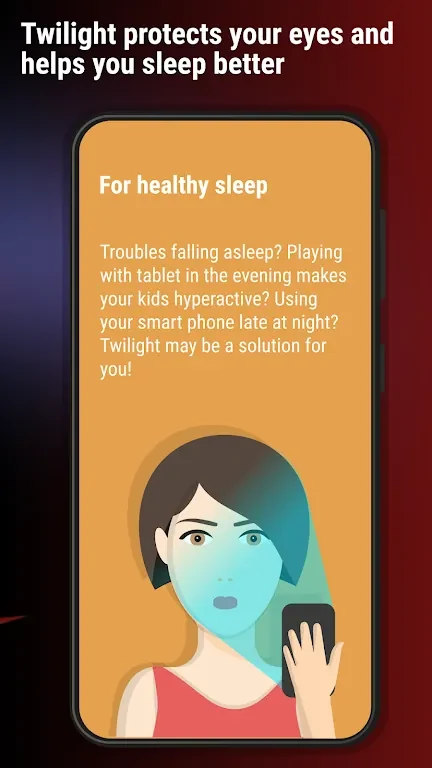
The app provides instructions that address sleep issues linked to prolonged blue light exposure from screens.
Version history
View all30 Aug 2024 · stable