
UPlayer
UPlayer is a comprehensive video playback utility for Android that supports universal formats, custom playlists, advanced speed controls, and a built-in file manager for seamless local media management.
Screenshots
About this app
Overview
UPlayer is a praised video playback utility designed to provide users with a high-quality, smooth viewing experience on Android devices. Bringing together extensive device compatibility and flexible customization tools, the application allows users to manage and enjoy local media efficiently anywhere and at any time. Whether you want to watch high-definition movies, organize your device storage, or fine-tune audio settings, this software delivers a powerful yet easy-to-use platform that caters to diverse video playback needs.
What You Can Do
⭐ Access a universal interface that plays virtually all video formats, including MP4, MOV, M4V, MKV, WMV, RMVB, FLV, AVI, 3GP, and TS files.
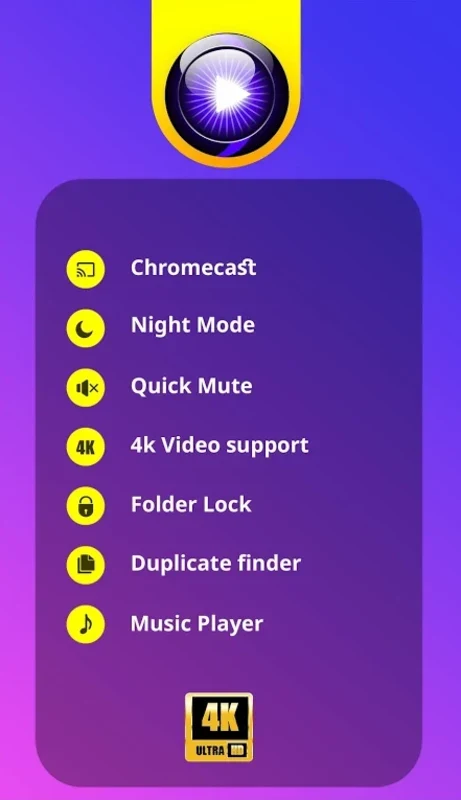
⭐ Enjoy high-definition and 4K video playback enhanced by immersive panning and zoom features for a detailed viewing experience.
⭐ Create and manage personalized video playlists to keep your favorite media well-organized and quickly accessible.
⭐ Organize your stored files using a built-in file explorer equipped with standard cut, copy, and paste functions.
⭐ Utilize advanced playback controls such as adjustable playback speed ranging from 0.25x to 4x, video recovery, a sleep timer, and night mode.
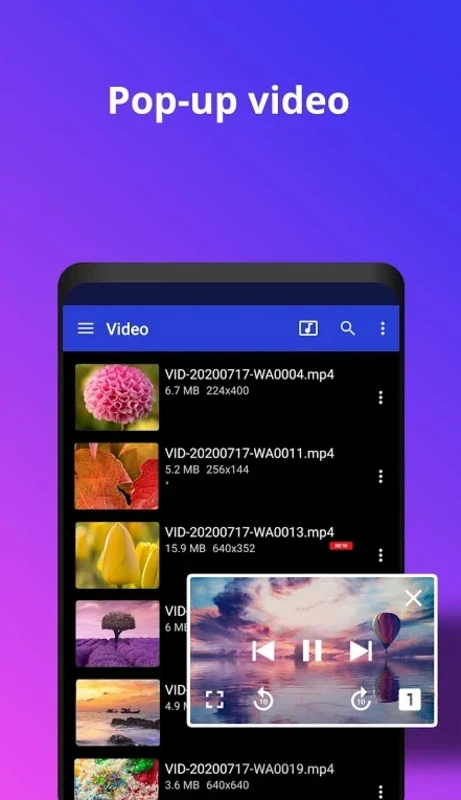
⭐ Multitask effortlessly by watching your media inside quick pop-up windows while actively using other applications.
⭐ Customize your sound profile with a built-in equalizer that lets you adjust treble and voice cadence for optimal scene effects.
⭐ Safeguard sensitive content by utilizing the video locker feature to protect your personal files.
⭐ Download and apply subtitles for your favorite movies and shows to improve comprehension.
Using the App
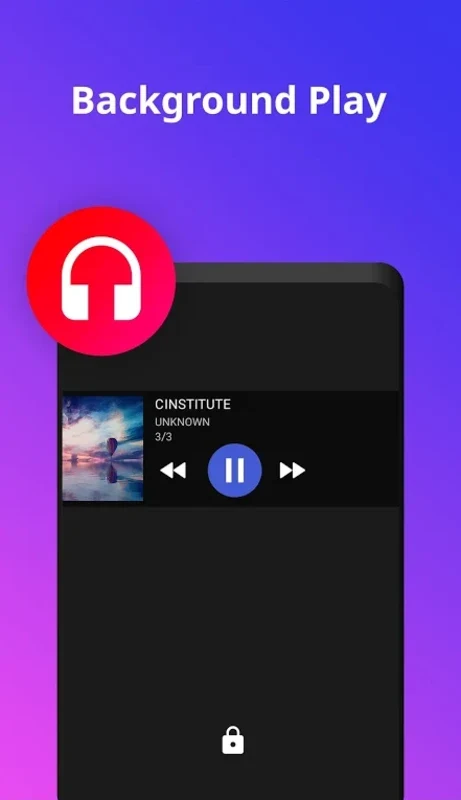
The application integrates everyday media management directly into your device storage by automatically sorting and loading downloaded clips, including files located on your memory card. Its unique user interface allows you to execute precise actions like volume control, screen brightness adjustment, and video progress tracking using straightforward gesture controls. For analytical viewing or sports highlights, the adjustable playback speed gives you granular command over your media. Furthermore, floating window and picture-in-picture modes ensure that viewing videos never interrupts your web browsing, messaging, or multitasking routines.
Why It May Appeal
✅ Broad file format support eliminates the need for external conversion tools when handling varied video collections.
✅ Built-in security measures like the video locker help keep personal media private and secure on shared devices.
✅ Flexible audio and visual adjustments, including a sound equalizer and adjustable playback speeds, accommodate different viewing preferences and analytical tasks.
Things to Consider
❎ Some users have reported minor casting issues when connecting to smart TVs, particularly during transitions between video clips.
❎ Audio playback mode may present duplicate album listings for recently played tracks without an immediate option to clear that specific history list.
Version history
View all09 Jun 2026 · stable