

USA VPN - VPN Master
ALStudioUSA VPN - VPN Master connects users to VPN proxy servers in the United States through automatic server filtering and a one-touch connection flow. The listing describes free use with no registration, unlimited bandwidth and traffic, and support for connections ranging from WiFi to 5G.
Screenshots
About this app
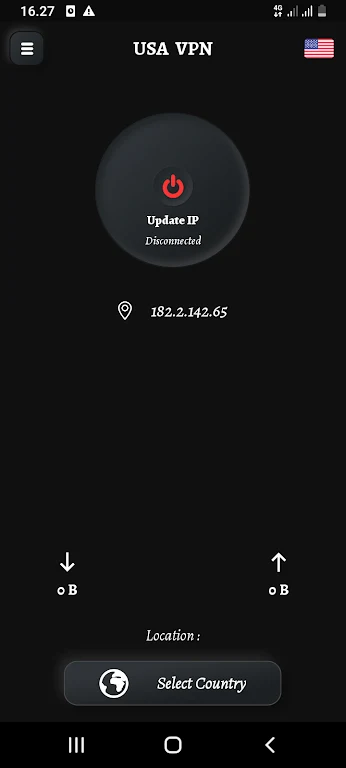
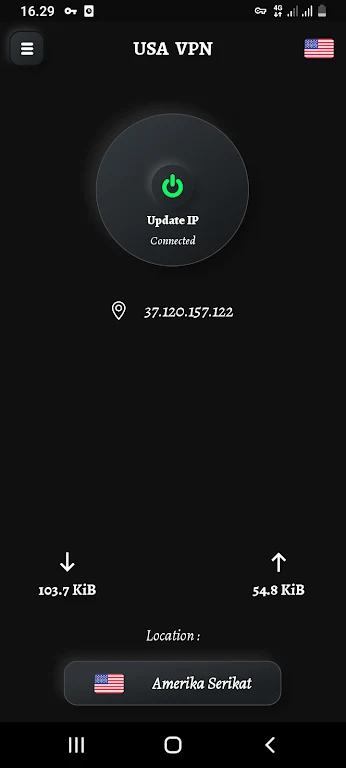
USA VPN - VPN Master is designed for connecting to VPN servers in the United States when you want to route browsing through a USA-based server. Its automatic server filtering and one-touch connection flow are intended to simplify server selection and setup.
Choosing a United States server
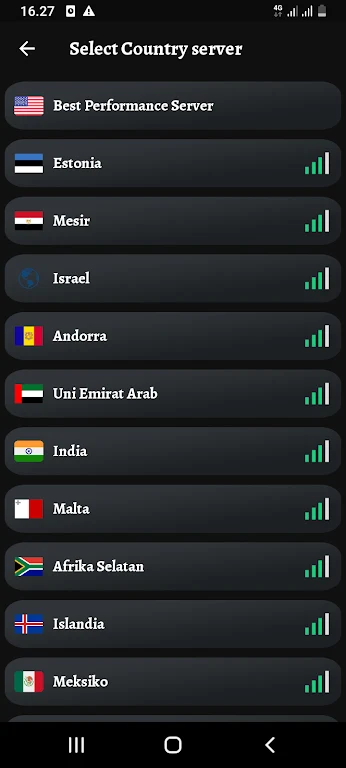
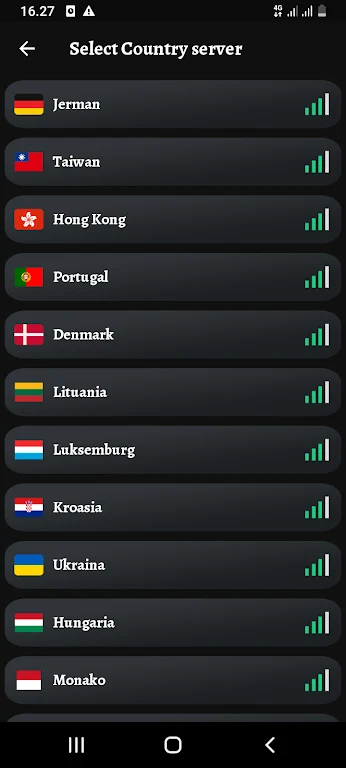
The app uses automatic server filtering to select from its USA VPN servers. This is useful when the main task is to establish a connection without manually reviewing server options. After selection, the listing describes the connection as fast and stable, although actual performance can depend on the network and server conditions.
Browsing through a VPN connection
Once connected, USA VPN - VPN Master is presented as a way to protect network traffic and support more private browsing. The source also says it can help users bypass regional restrictions and access blocked websites. These are stated purposes of the service, not a guarantee that every website or network restriction will be reachable.
Using the service without an account
The app does not require registration or login according to the supplied description. Users can start the connection without providing personal information to create an account. The listing also describes the service as free, with no credit card or payment required, and states that it offers unlimited bandwidth, traffic, and connection time.
Connecting across common networks
USA VPN - VPN Master is described as compatible with different connection types, including WiFi and 5G. This makes the same VPN connection flow available across those listed network environments. The app's simple interface is centered on connecting to a VPN proxy server with one touch rather than presenting a detailed configuration process.
Version history
View all05 Aug 2024 · stable