

Venice AI
Venice AI is presented as an Android-accessible AI tool for creating stories, generating images, and writing computer code through conversational prompts. The source also describes open-source models, prompt enhancement, interface customization, and a privacy-focused approach to handling interactions.
Screenshots
About this app
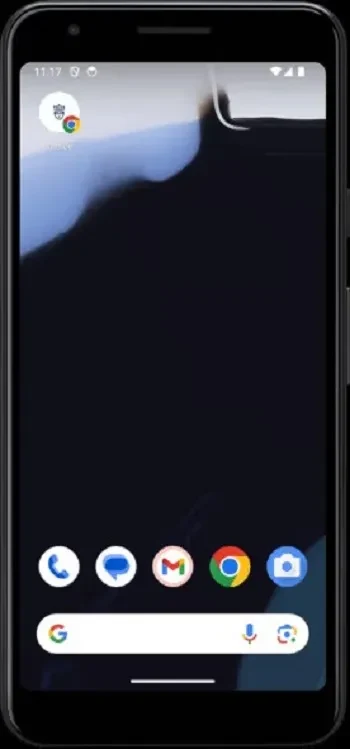
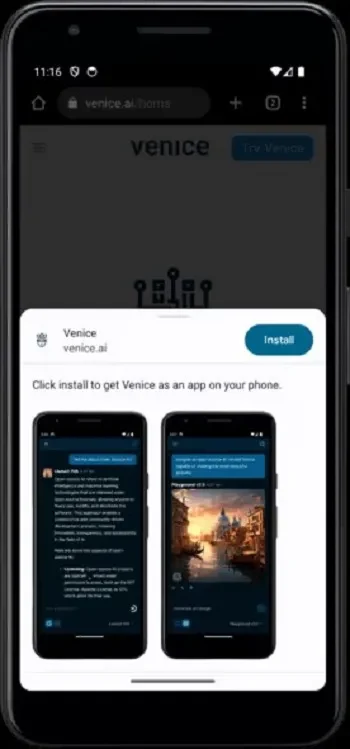
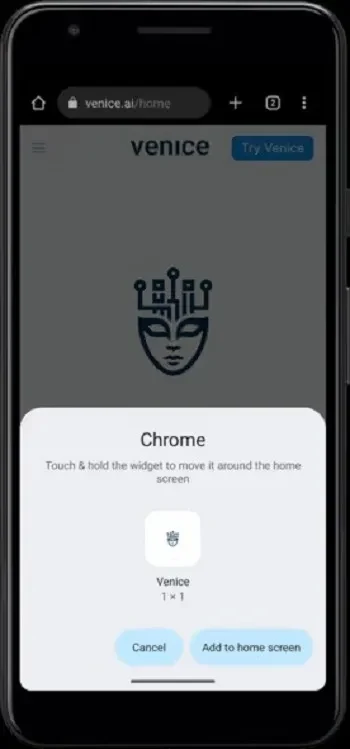
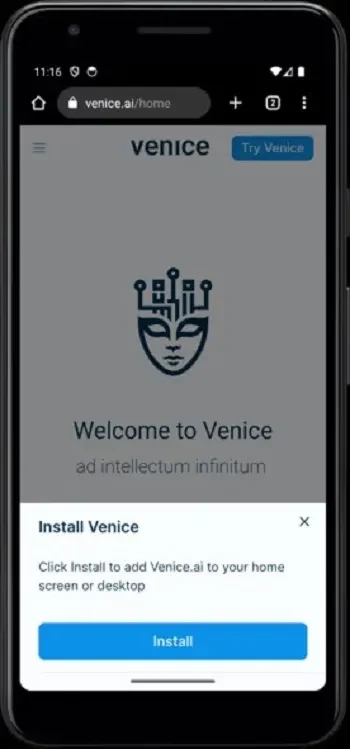
Venice AI is presented as an Android-accessible AI tool for creating stories, generating images, and writing computer code through conversation. It brings several creative and productivity-oriented uses into one interface, allowing a person to describe an idea and receive AI-generated text, visuals, or code. The source also describes browser-based access, so the service may be used through a web browser rather than requiring a complex software installation.
Text, image, and code creation
The app is designed to support more than one type of AI task. For writing, it can help users develop stories or communicate with an AI assistant through prompts. For visual work, its image-generation function creates visuals from written descriptions, which the source identifies as useful for presentations and social media content. It is also described as supporting computer-code generation, giving users a way to explore programming ideas within the same conversational tool.
Image creation can be guided by the wording of a prompt. The source recommends starting with clear descriptions, trying different styles, and making small changes to see how those changes affect the result. A reference photo can also be uploaded when certain visual elements need to remain consistent. These suggestions describe a prompt-based process rather than a fixed editing workflow.
Prompt enhancement and AI models
Venice AI includes an Enhance Prompt feature for image generation. According to the description, this function refines a short or incomplete idea into wording intended to produce a more suitable image prompt. Users can therefore begin with a simple concept and adjust the result by changing the description, style, or reference material.
The service is described as using open-source AI models for text, code, and image tasks. The source presents this model approach as a way to provide access to several AI capabilities without relying solely on a proprietary system. It also describes the responses as being handled through encrypted requests sent to decentralized computing resources via a proxy server. These are descriptions supplied by the source rather than independent verification of the service's privacy or security.
Privacy-oriented use
Privacy is a central part of the product description. Venice AI is presented as a service that does not track interactions, does not require permissions, and keeps data within the device's browser. The source also describes conversations as private and uncensored. Because these are promotional claims in the supplied material, they should be understood as the publisher's stated approach rather than a guarantee of confidential or unrestricted use.
Interface and personalization
The interface is described as minimalist and focused on straightforward navigation. Appearance options include dark mode and personalized themes, while broader customization settings are said to let users adjust the app's look and functionality. The description also mentions support for use on mobile and PC, allowing the same service to be approached from more than one type of device.
The source characterizes Venice AI as optimized for quick responses and minimal lag, and it mentions regular updates intended to add features or improvements. It also refers to customer support for questions or problems. These points describe the stated service offering; no independent performance test or update schedule is provided.
A simple starting point
New users can begin with a short, clear prompt and then review how the AI interprets it. For image work, experimenting with styles, adding a reference photo, and changing individual words can help compare different outputs. The same gradual approach can be applied to story ideas, code requests, and other text-based tasks: start with the core request, inspect the response, and refine the wording when the result does not match the intended direction.
Version history
View all23 Jul 2025 · stable
Frequently asked questions
Is an account required for basic use?
The source says that basic use does not require creating an account.