

Video Wallpaper Live
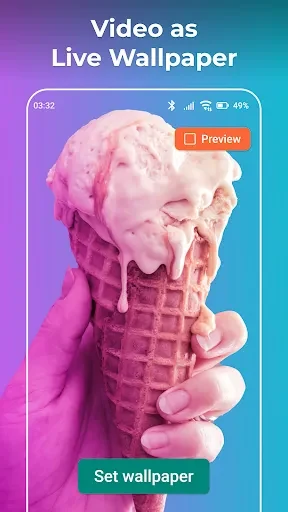
Video Wallpaper Live lets you use videos from your device library or an available video collection as moving wallpapers. You can select a section of a video, adjust its fit to the screen, and choose whether the wallpaper includes audio.
Screenshots
About this app
Video Wallpaper Live turns a chosen video into a moving wallpaper for an Android device when a static background is not enough. You can select footage from your mobile library or choose from the app’s available video content, then prepare that footage for use as a dynamic background by selecting the relevant section, adjusting its presentation, and deciding whether audio should be enabled.
When a personal video should become a moving background
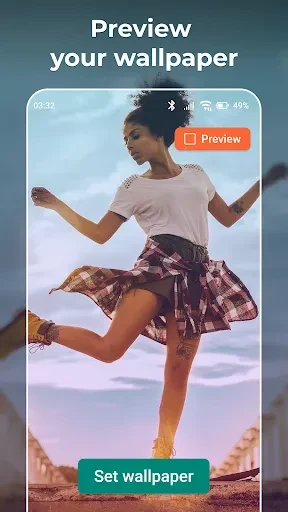
The app is intended for users who want a phone background connected to their own video collection. After choosing a video, the app handles the wallpaper setup process and provides controls for deciding which portion should appear. This is useful when the original video contains more material than you want to show, since the selected section can focus on a particular moment or visual detail.
Videos can be taken from the device’s library, while the described video store provides another source for wallpaper material. The available examples include footage from films, music videos, landscapes, and sports content. The result is a wallpaper based on moving video rather than a single still image.
When the video needs to fit the phone display
Video Wallpaper Live includes controls for adapting the chosen footage to the device screen. The source describes a cropping tool that can adjust the video’s size, format, and viewing angle after a video has been selected. This allows the visible portion to be tailored to the display rather than using the entire original frame by default.
The app is also described as fitting video to the screen resolution, with the aim of avoiding awkward cropping or distortion. The source notes, however, that some users have encountered distorted video even after selecting suitable screen settings. This means the fitting and cropping controls are available, but the described result may not be consistent for every video or device.
When sound should be part of the wallpaper
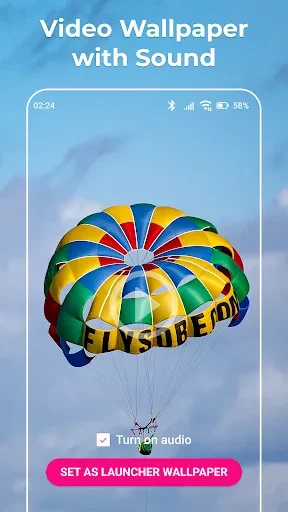
The setup process includes an audio control. You can enable or disable sound for the video wallpaper, which lets you decide whether the selected moving background should remain silent or include its video audio. This setting is presented as part of installation rather than as a separate editing feature.
That option is relevant when the visual movement matters more than the soundtrack, or when the video’s audio is an intended part of the experience. The source specifically describes support for wallpapers with sound as well as silent animated backgrounds, so the choice depends on how you want the wallpaper video to behave.
When an existing video is not enough
The app also supports creating wallpaper videos from selected moments in other footage. You can use distinctive scenes from films, visually appealing music videos, attractive landscapes, or sports programs as the basis for a new moving background. The described workflow focuses on choosing and preparing the material rather than requiring a separate video-editing process.
After creating a personalized wallpaper video, the source says that users can share their creations with friends. This makes the app suitable not only for applying a background to one device, but also for preparing custom moving content that can be shown to other people.
When you want ready-made wallpaper themes
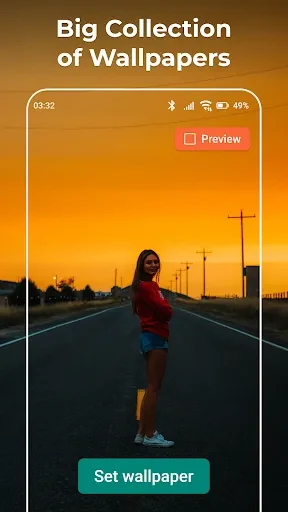
Alongside personal videos, Video Wallpaper Live is described as offering a content store with HD wallpaper material arranged into categories. Mentioned themes include men, women, science, technology, solitude, flowers, cartoons, and heroes. These categories provide starting points for users who want to browse for a suitable background instead of selecting a video from their own library.
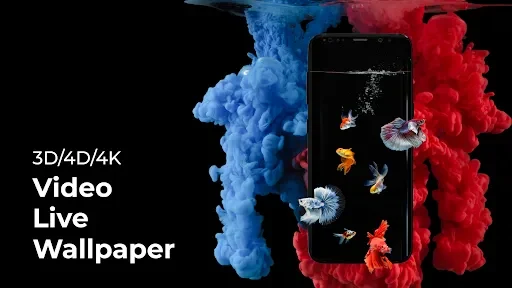
The source also describes wallpaper possibilities such as parallax, 3D, 4D, and 4K variants. These labels indicate the range of material presented in the app’s collection, while the app’s video wallpaper maker can be used to customize available backgrounds into animated video wallpapers.
When setup needs to stay straightforward
The described setup is deliberately direct: choose a video, select the part to use, adjust how it fits the display, and decide whether audio is enabled. The app then applies the prepared video as a live wallpaper. This sequence keeps the main task focused on selecting content and adjusting its presentation rather than navigating a large set of unrelated controls.
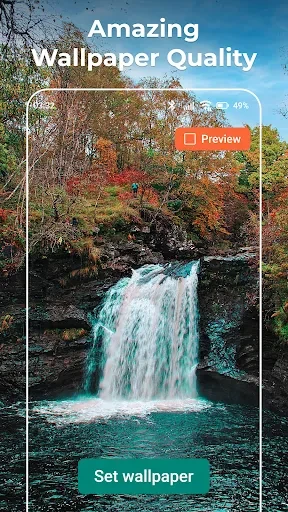
The source describes the application as optimized to limit unnecessary resource use while maintaining wallpaper quality, and it presents the app as compatible with most Android devices. These are product claims from the supplied description rather than independent testing results. The same source also mentions minimal system requirements and an effort to reduce battery and CPU impact, but actual behavior can depend on the device and the selected video.
Screen behavior to understand before applying a wallpaper
The supplied information states that the live wallpaper affects the home screen and lock screen together, without an option to apply it to only one of them. Users who need separate wallpaper choices for those screens should therefore take this limitation into account.
Video Wallpaper Live is centered on converting selected videos into moving device backgrounds. Its supported workflow covers personal library videos, content from the available store, video cropping and framing, optional sound, themed wallpaper material, and sharing of created wallpaper videos, while the source also identifies possible distortion and combined home-and-lock-screen application as practical considerations.
Version history
View all19 Jul 2025 · stable
Frequently asked questions
Can Video Wallpaper Live use videos from a phone’s library?
Yes. The supplied description says users can select a video from their mobile library and use it to create a live wallpaper.
Can the wallpaper include sound?
Yes. Audio can be enabled or disabled during the wallpaper setup process.
Can the app apply a live wallpaper only to the home screen?
The source says there is no option to apply it to only the home screen or only the lock screen; both screens are affected together.