

Vidmix v2.35.522
Vidmix v2.35.522 is a Photography category Android app for building music videos and slideshows, applying AI-based photo filters, and using ready-made templates. The listing describes it as a way to combine photos, clips and songs with effects and transitions without starting from scratch.
Screenshots
About this app
Vidmix v2.35.522 is an Android app for making short videos, slideshows and edited photos. According to its listing, the app combines template-based creation with AI-driven photo filters, a built-in music library and the option to add your own songs. The source lists version 2.35.522 and places the app in the Photography category, and it credits Music Video Studio as the publisher.
Video creation with music and templates
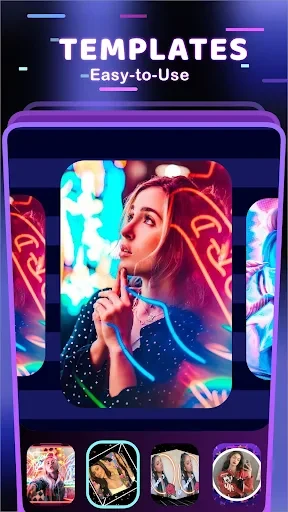
The core workflow centers on turning photos and clips into a short video with music. The listing describes an approach where you choose a template, select the pictures or clips you want to include, and add a song. Each template comes with a preset set of effects and transitions tied to a theme, such as love, friendship, emotion or cartoon styles. Because the structure is already prepared, the source suggests that a finished video can be assembled in a few minutes without editing each step manually.
Users who prefer more control can work from their own material instead. The listing says you can choose any song, set its duration and start point, and apply fade-in and fade-out effects so the audio fits the slideshow. It also mentions tools for synchronizing sound with images, which the source presents as a way to make the timing of a video feel more consistent.
AI photo editing and filters
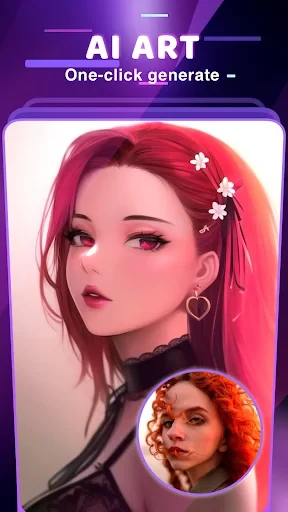
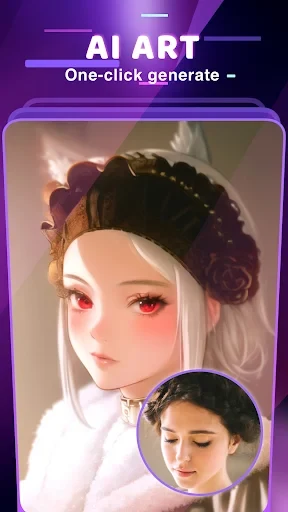
For still images, the listing highlights a set of filters described as covering a wide range of styles, art forms and colour tones. Examples given include cartoon, romantic, bright, starlit, sunset and neon cyberpunk looks. You upload one or more photos, pick a filter and preview the result. The source states that several photos can be edited at the same time, and that this takes fewer steps than some other photo editors, although it does not name the apps it compares against.
Photo templates work in a similar way to video templates. Each one is pre-designed around a theme or art style, so a single photo can be combined with a template to produce a stylized result. The listing also describes an AI-based image stitching function that places one person's face into another image. The source presents this as a creative collage feature and notes that the results can look obviously edited, which is worth keeping in mind when deciding how to use it.
Effects, transitions and text
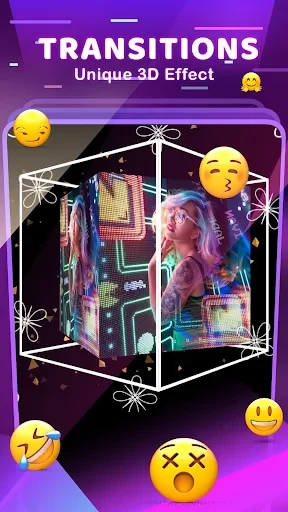
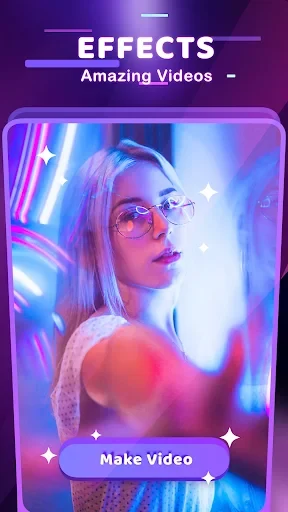
Beyond templates, the app offers a library of visual effects and transitions that can be applied to a sequence of content. The listing says transitions can help when a project uses many clips at once or when the mood of a song needs adjusting. It also mentions text and font options for framing, labelling or emphasizing a message within a video. Because the source describes these tools only in general terms, the exact range of effects and text styles should be checked in the app itself.
Export options
The listing states that both videos and photos can be exported in several formats and quality levels. Videos can be exported at 720p or 1080p HD, and the source says the export keeps the original image quality. Photos can be shared directly to a number of social networks, saved to the device, or uploaded to a user's cloud storage. These are the export destinations named in the description, and any others would need to be confirmed inside the app.
Listing notes
The app's description includes a short FAQ. It says most editing functions work offline, while online features need an internet connection. The same description also states that Vidmix supports audio controls such as volume, sync and keyframe-based fades. The listing does not provide independent testing or verified store statistics, so these points should be treated as the publisher's description of the app rather than confirmed results.
Version history
View all18 Jul 2025 · stable
Frequently asked questions
Does Vidmix v2.35.522 support audio editing?
The listing says the app includes controls for music duration, start point, fade-in and fade-out effects, and for synchronizing sound with images. The details of each control should be confirmed in the app.
Can Vidmix v2.35.522 be used offline?
The app's description says most editing functions work offline, but online features may require an internet connection.
Can I export videos in HD quality with this app?
The listing states that videos can be exported at 720p or 1080p HD and that the export keeps the original image quality.