

Voice Changer - Voice Effects
Voice Changer - Voice Effects lets users record speech or singing and apply voice styles such as male, female, alien and robot effects. Edited recordings can be saved for later use or shared, and the app also describes a workflow for preparing altered audio to add to a video.
Screenshots
About this app
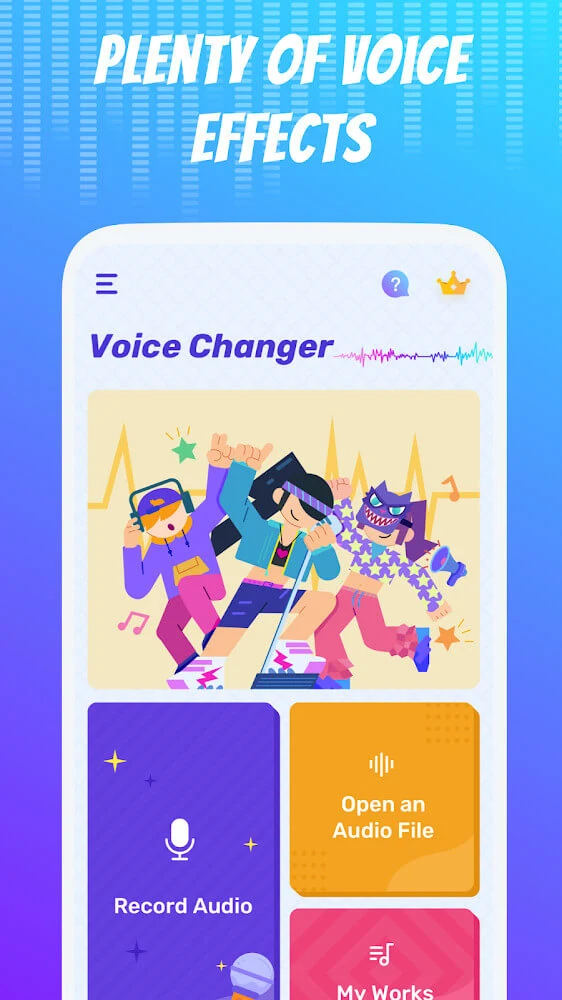
Voice Changer - Voice Effects is an Android app for recording speech or singing and changing how the resulting audio sounds. Users can start with a recording made in the app or prepare an existing sound file, then choose from voice styles and adjust described sound factors such as level and clarity. The result is an edited audio recording that can be saved for later use or shared.
Record a voice and apply effects
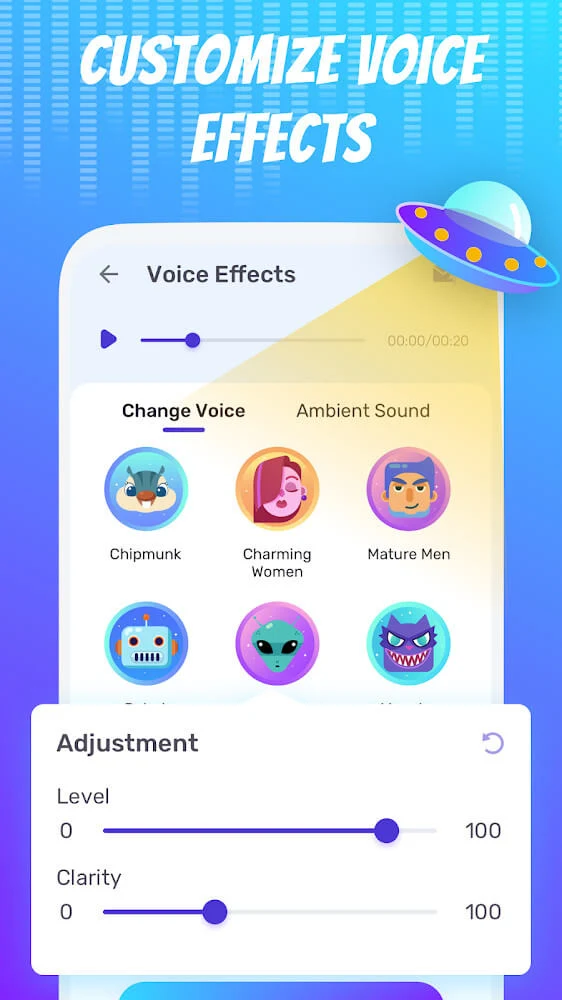
The central task is transforming a voice recording with filters and different voice styles. The description names male, female and alien tones, and also mentions robot effects among a selection of more than 40 effects. These options support experiments with different vocal sounds for casual clips, singing or dubbing. The app describes its purpose as changing voice frequencies, but does not explain the technical controls behind that process.
Users can record speech or singing within the app, or begin with an audio file. After choosing a voice style, they can adjust level and clarity to shape the result. The source describes these as editing factors, but does not specify their ranges or provide a more detailed account of how they affect the recording. It also notes that changing one factor can alter the sound, so the finished clip depends on the choices made during editing.
Save and organize edited recordings
Once a recording has been changed, it can be saved as an audio file for later listening or use. The description says saved sounds can be played with a music player and refers to a work history where previous edits can be found. It also describes managing stored voices through lists and names. These functions give users ways to return to earlier recordings as well as keep an exported file for another use.
The app’s additional creative uses include making recordings into music or piano-like sounds, and adding sound or rhythm to a project. The source also mentions combining audio with an image, though it does not explain the steps or controls for that process. These are presented as uses of its sound-editing tools rather than as a separate, fully described workflow.
Sharing clips and preparing audio for video
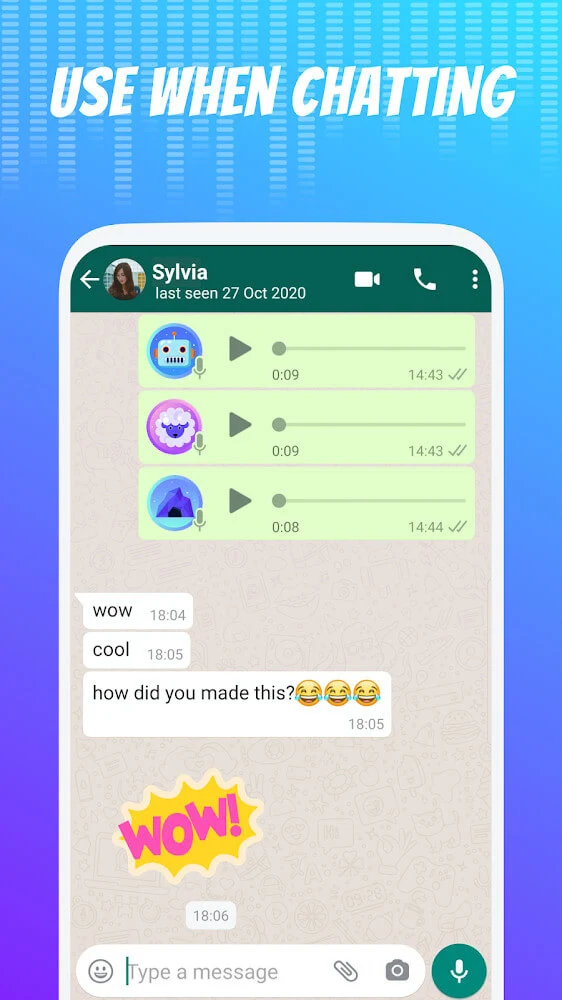
Edited recordings can be shared with friends through social platforms or other messaging and sharing channels. The description presents sharing as a way to send altered voice clips, rather than limiting the recordings to playback within the app. It does not establish which platforms are available in every case.
For video use, the described approach is to record audio alongside a video, using headphones, then adjust the audio in the app and add the edited file to the video. This is a workflow involving the recording and the video, not a detailed account of editing a video clip inside the app. The source says the parallel recording is intended to help match the audio with the video, but does not specify a built-in video editor or synchronization controls.
Version history
View all18 Mar 2026 · stable