
VPN Master-Free Unblock Proxy-Security VPN Proxy
b_brandVPN Master-Free Unblock Proxy-Security VPN Proxy is a VPN app for connecting through a proxy and changing your virtual location. Its description highlights one-tap connection, access to region-restricted apps and websites, and unlimited bandwidth.
Screenshots
About this app
VPN Master-Free Unblock Proxy-Security VPN Proxy is an Android VPN proxy app for connecting to the internet through a VPN and changing your virtual location. Its description presents one-tap connection as the way to start a session, with the aim of accessing apps and websites that may be blocked by region.
Connection and virtual location
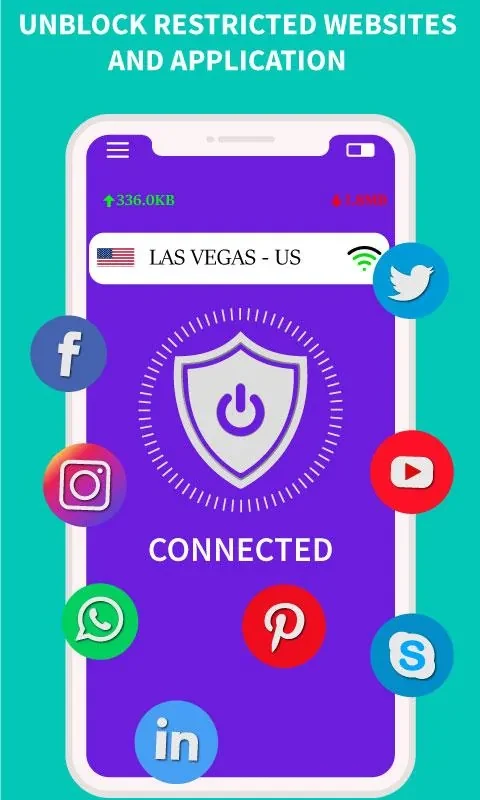
The app is described as using a single button to establish a VPN connection. It also offers a virtual-location change, which the description links to accessing websites and apps restricted in a particular region. It does not identify specific locations or services, so availability may depend on the content being sought.
The description mentions using the proxy with a Wi-Fi hotspot to reach blocked apps and sites. This is presented as a way to route access through the VPN rather than as a separate browsing feature. The stated purpose is to make region-restricted content reachable through the connection.
Bandwidth and privacy claims
The listing claims unlimited bandwidth and describes the connection as high-speed. These are product claims in the supplied description, rather than independently verified performance details; no speed measurements or connection conditions are provided.
The description also says the connection hides the user's IP address from websites and trackers and supports private, anonymous browsing. It does not explain the technical methods behind these claims. Readers should understand them as stated capabilities, not as a detailed account of what information is collected or how it is handled.
Intended use
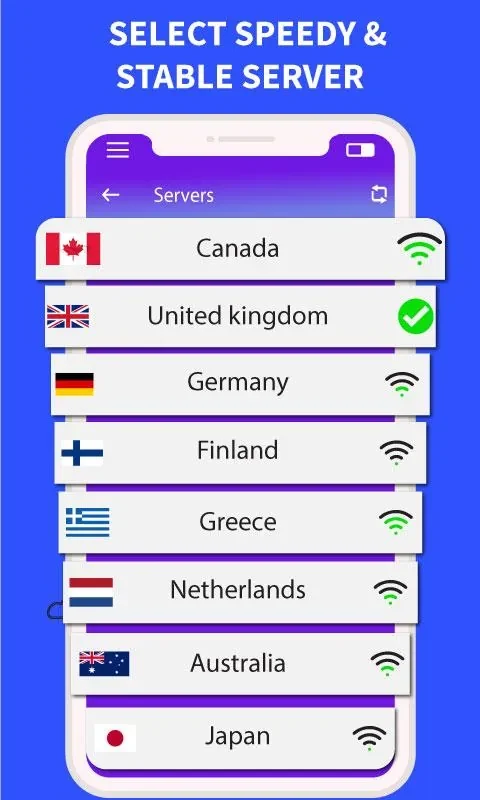
VPN Master-Free Unblock Proxy-Security VPN Proxy is presented for people seeking a VPN connection to access region-restricted sites or apps and browse through a changed virtual location. Its described workflow is brief: connect with one tap, then use the VPN while accessing the desired content. The listing does not provide further setup steps or details about choosing a location.
Version history
View all10 Aug 2024 · stable