

Wifi Booster Easy Connect
KTC CCPWifi Booster Easy Connect is designed to connect to open Wi-Fi networks and submit saved identification details when joining configured networks. It also includes automatic connection for detected PCCW WiFi and a widget for switching Wi-Fi on or off.
Screenshots
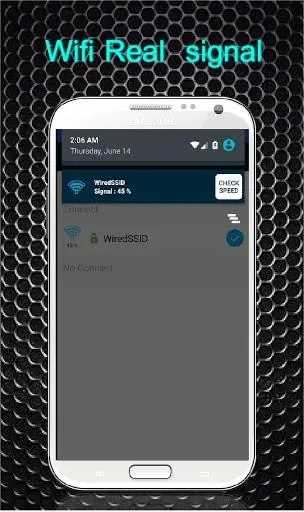
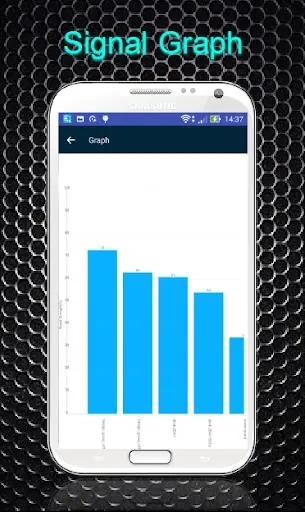
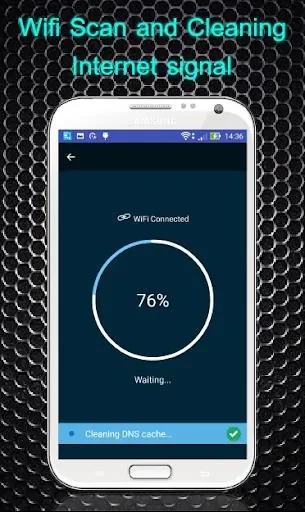
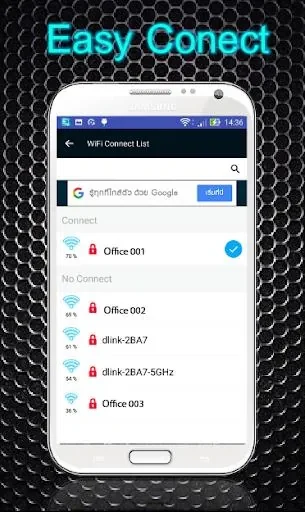
About this app
Wifi Booster Easy Connect helps manage connections to open Wi-Fi networks, submit identification details for configured networks, and control the device’s Wi-Fi module. Its listed functions also include automatic connection when a PCCW WiFi network is detected.
Which Wi-Fi connections can the app handle?
The app is described as detecting and connecting to open Wi-Fi networks, reducing the need to search for those networks and enter network details manually. For networks that require an identification form, it can submit information entered during setup when the device connects to a configured Wi-Fi network. The form submission is tied to configured networks; the description does not say that the app can connect to every network or bypass access requirements.
What does the PCCW-HKT Auto Connect feature do?
When PCCW WiFi is detected, the PCCW-HKT Auto Connect feature is described as switching the device from mobile data to Wi-Fi and connecting without requiring a repeated manual login. This function is specifically associated with PCCW WiFi, rather than presented as a general automatic switch for all Wi-Fi providers. It may be relevant to people who regularly use those networks, while the source does not specify further network or account requirements.
What controls are available through the widget?
A small widget lets users turn the Wi-Fi module on or off with one touch. It also displays whether Wi-Fi is on or off, providing a status indicator alongside the toggle. Users can use the control to switch Wi-Fi off when they do not want it enabled, or turn it back on when needed; the description does not claim that the widget manages other device settings.
How does identification setup work?
The app’s description says users enter their identification details in a form as a one-time setup. After a Wi-Fi network has been configured, the app submits that information when the device connects to it, avoiding repeated entry of the same details for that configured network. The source does not give more detail about which fields the form contains or how many networks can be configured.
Version history
View all29 Jun 2024 · stable
Frequently asked questions
What version is listed for Wifi Booster Easy Connect?
The supplied app information lists version 21.0.1.