
XML Editor
XML Editor is a versatile utility designed to view and edit XML, HTML, and other text files on Android with custom encoding support and automated detection.
Screenshots
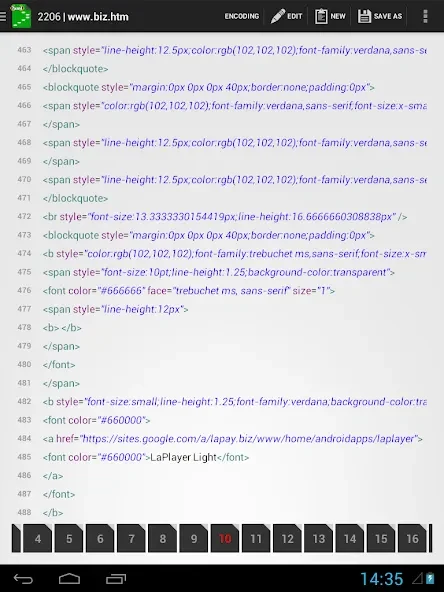
About this app
XML Editor is a text file viewing and editing tool designed specifically for Android users to seamlessly manage various documents like XML and HTML files. The app addresses the main task of modifying and organizing structured text directly on mobile devices, providing a smooth editing experience. Its clearest supported benefit is its broad handling of different text encodings, allowing users to open and save documents in their preferred formats without running into compatibility roadblocks.
How do you view and edit text files within the application?
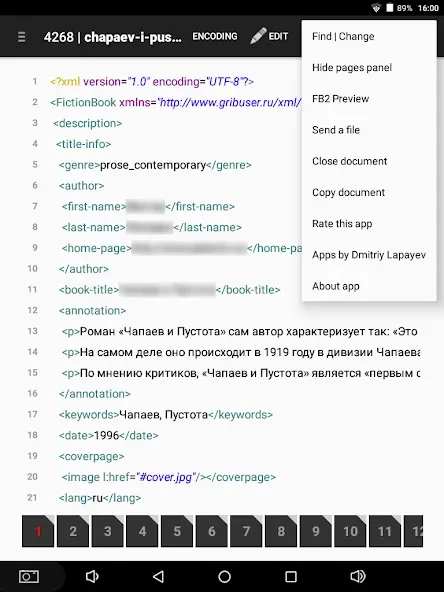
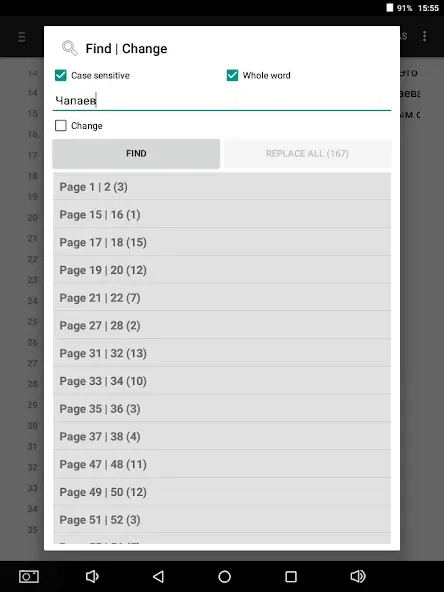
The app offers two distinct editing methods, allowing users to work either by lines or page by page depending on their specific needs. To help customize the workspace, the tool includes settings to change the font size and typeface. Users can also utilize a dedicated find and change text dialog menu to quickly search for and replace specific content within their open documents.
What encoding capabilities and format support are included?
XML Editor supports multiple file encodings, including KOI8-R, MACCYRILLIC, and IBM formats, ensuring compatibility with a wide variety of text files. To simplify the workflow, the application features automatic encoding detection so files can open properly without requiring manual configuration. When saving documents, users have the freedom to select their preferred encoding format and choose the specific folder where the file will be stored.
How does the app handle file management and external sharing?
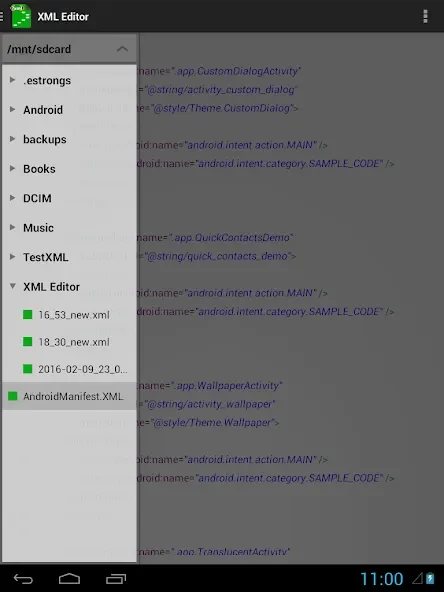
File management features allow users to create new buffer documents or open files directly from other applications installed on the device. For local organization, documents inside the application folder can be copied or deleted using a context menu triggered by a long press. Furthermore, users can preview .FB2 files and share files externally through integrated options like Google Drive or email.
Who will find this application useful for their daily workflow?
This utility is well-suited for developers, content creators, and Android users who frequently work with XML, HTML, or general text files on the go. Anyone who needs to adjust text encodings, search through document contents, or quickly share code and text files via email or cloud services will find the app's comprehensive feature set valuable.
Version history
View all21 Jul 2026 · stable
APK4.0.024 Jun 2024 · stable