

Yandex Browser
Yandex Browser is described as a lightweight Android browser for searching the web, opening pages, and saving favorites. It also offers data-saving mode, ad blocking, interface customization, and cache and cookie cleanup.
Screenshots


About this app
Yandex Browser is a lightweight Android browser for finding and opening web pages, with a focus on quick browsing and a compact design. Its SmartBox search bar accepts web searches and website addresses, and can also be used to ask Yandex a quick question. The browser lets you keep favorite sites close at hand with visual bookmarks on the home screen, while settings provide a way to clear cached data and cookies. Data-saving mode and a built-in ad blocker are also listed, so the app may suit people looking for browsing tools alongside basic cleanup and customization options.
How can you search and open websites?
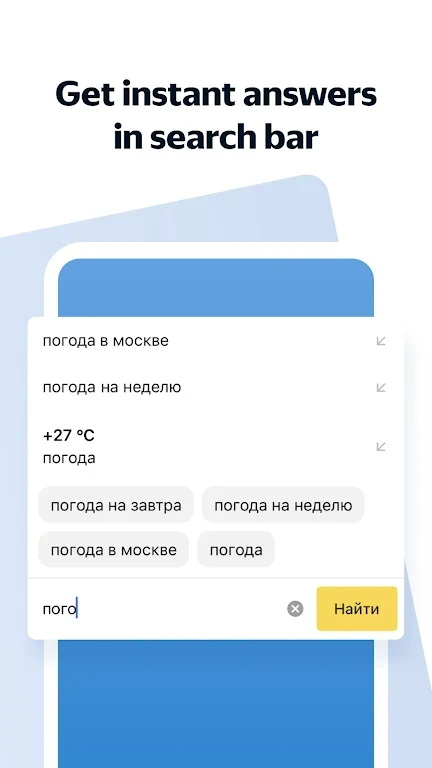
The SmartBox combines web search and address entry in one place: type keywords to look for web pages, software, or games, or enter a website address to go directly to it. The supplied description also says users can ask Yandex a quick question from the search bar. It describes the browser as optimized for fast page loading, though it does not provide measured speeds or explain how performance varies across sites or connections.
The source describes a simple, minimal design intended to keep browsing straightforward. It also says users can download software and games they find, in addition to accessing web pages. These functions make the browser relevant for general searches and everyday web access, rather than only for opening saved sites.
What options help manage data and phone storage?
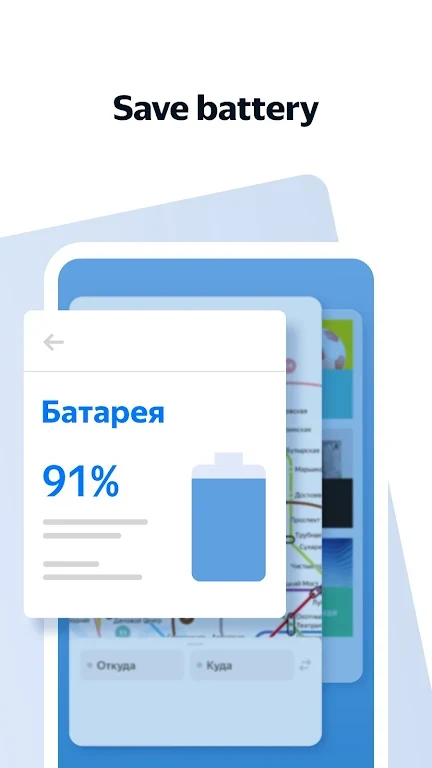
Yandex Browser is presented as a light app designed to use less phone storage than a more feature-packed browser. Its data-saving mode can be enabled to reduce data usage while browsing, which may be useful for people with limited data plans. The source does not specify how much storage or data these options save, so the actual effect is not quantified.
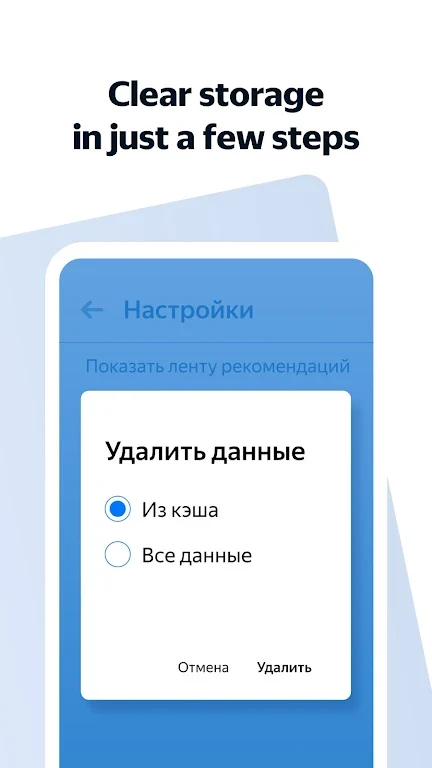
To tidy browser data, users can clear cache and cookies from Settings. The description characterizes this as a quick, single-action cleanup. This is a browser-data management option; the source does not say that it removes other files from the device.
How does the app handle bookmarks and browsing preferences?
Favorite pages can be added to bookmarks for later access. The browser presents frequently visited sites in a visual bookmark layout on its home screen, so saved pages are available without re-entering their addresses. The source does not detail bookmark organization or synchronization, so those functions should not be assumed.
The interface is described as customizable, allowing users to adjust it to their preferences, but no specific themes or layout controls are listed. The supplied user feedback also says the landing page language can be changed in Settings; this is a user-reported detail rather than a fully described language menu.
What browsing extras are included, and who might find them useful?
The listed extras include a built-in ad blocker, intended to reduce interruptions from intrusive ads, and secure-browsing features described as protecting user data. The source does not explain the security technology or specify what threats are covered, so it is not possible to assess those protections from the available details alone. It also mentions ongoing updates, without giving a schedule or specific changes.
Overall, the described feature set may appeal to someone who wants a lightweight browser with combined search and address entry, quick access to favorites, and basic controls for data use and browser cleanup. Users seeking particular advanced tools should check whether those are included: the source emphasizes a simpler, lighter browsing experience and does not provide a complete feature list.
Version history
View all24 Jun 2026 · stable