

YouTube TV
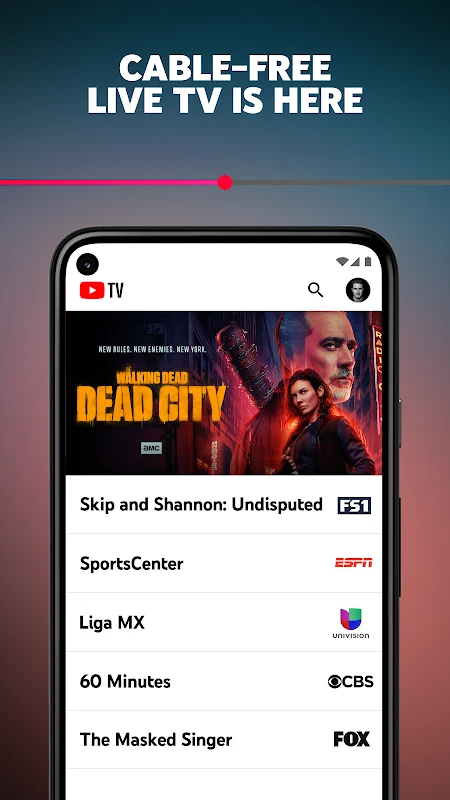
YouTube TV is a live TV app for streaming major broadcast and cable networks, along with local news and sports channels, without a cable box. It includes cloud DVR recording, account sharing for up to six people in a household, and viewing on smartphones, tablets, computers, and TVs.
Screenshots
About this app
What does YouTube TV provide?
YouTube TV is a live TV app built on YouTube software. According to the listing, it is designed as cable-free live TV that requires no cable box. It brings together programming from major broadcast and cable networks, local news and sports channels, and a wide range of channels for different interests, including sports, gaming, and entertainment content.
Which networks and channels are named?
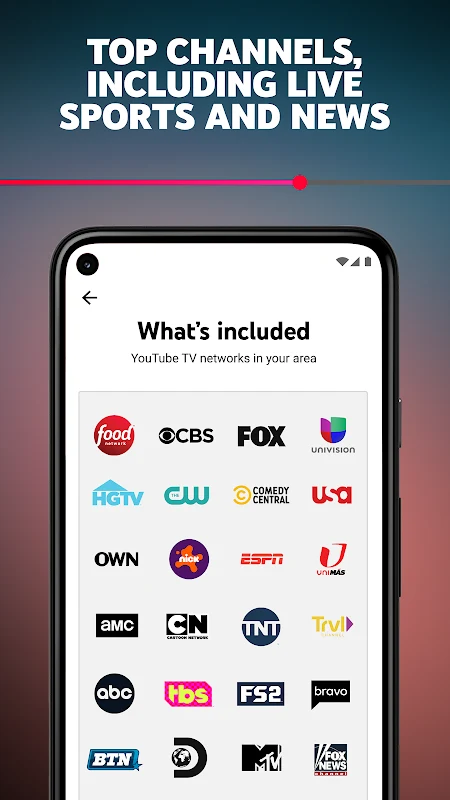
The listing names ABC, CBS, FOX, NBC, NFL Network, ESPN, HGTV, TNT, AMC, and Univision among the networks available, and it also refers to local sports and news channels. It further states that you can play any channel wherever you are. The source does not provide a full channel lineup or say which local channels are available in a particular area, so readers who want a specific network or local station should confirm availability for their location.
How does the cloud DVR work?
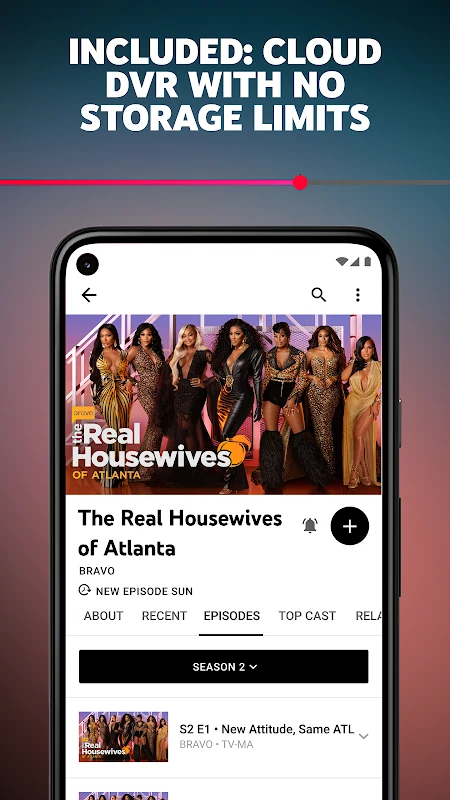
The cloud DVR records programs in the cloud, so the listing says recordings are not restricted by DVR storage space. Each recording is stored for 9 months. The app also includes a function that lets you record the content of one channel while you watch another. These details make the recording behaviour clearer than a general storage claim would.
How are accounts shared within a household?
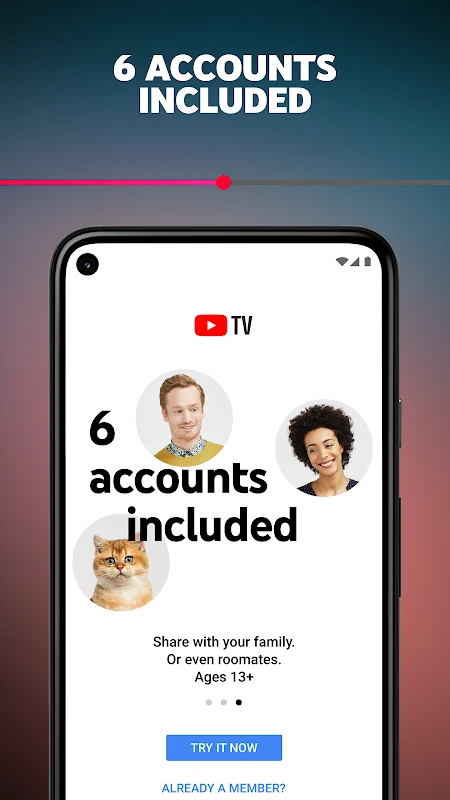
Each household can have up to six YouTube TV accounts. Each person has their own login, recommendations, and DVR. The listing also says an account can be shared with up to six users, with content playable simultaneously on three screens. This structure suits households where several people want separate viewing histories and recordings.
Which devices can you watch on?
The listing says you can watch on a smartphone, tablet, computer, and TV. It also mentions Android TV, along with streaming devices such as Google Chromecast, Roku, and Apple TV, and game consoles. The source does not list minimum device requirements or confirm support for every model, so compatibility with a specific device should be checked before relying on it.
What controls and viewing options are described?
The listing describes a long-press menu for suggested videos, which the update presents as a way to reach options without relying only on clicks on the bottom bar during playback. It also states that a download option is now available in a recent update, although it does not explain how that option works. For search and commands, the remote control can be used to enter text or to use the microphone for voice commands. The listing additionally mentions 4K video viewing on Android TV, but it does not specify which content or devices support it.
How is membership billed?
The listing describes a monthly pay-as-you-go membership that can be canceled at any time. The supplied information does not include price amounts, regional pricing, or trial terms, so readers should review the current membership terms directly before subscribing.
Version history
View all11 Aug 2025 · stable