

ZArchiver
ZArchiver is an Android archive tool for creating compressed files, browsing their contents and extracting files. It supports password-protected archives, split archives and several common compression formats.
Screenshots
About this app
ZArchiver is an Android tool for creating, opening and extracting compressed files. It lets you inspect an archive before extracting it, work with password-protected files and choose which files to decompress.
Create and inspect archives
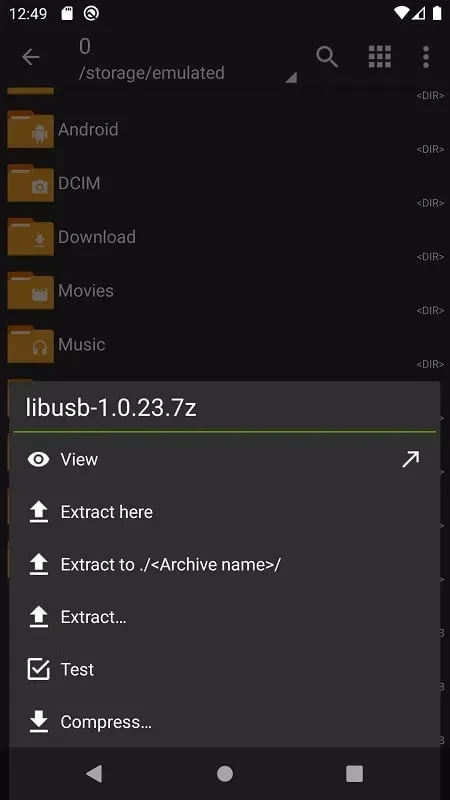
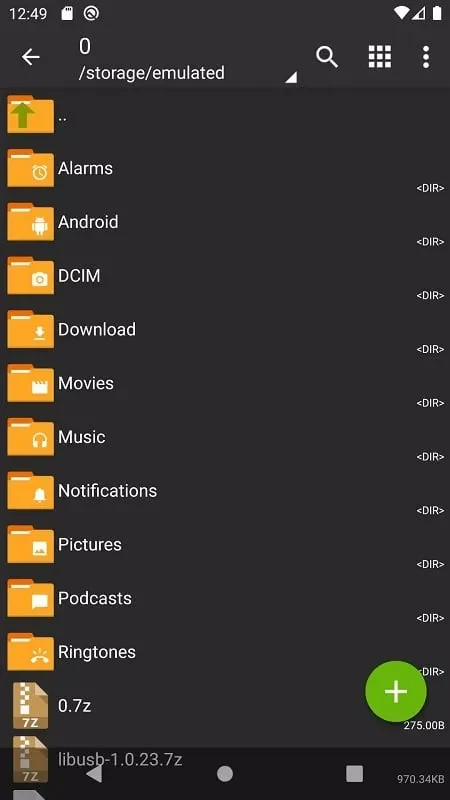
You can create archives in ZIP, 7z, XZ and TAR formats. When opening an archive, you can view its contents without first extracting everything. The app also offers multiple views for browsing folders and files, and supports UTF-8 and UTF-16 filenames containing symbols.
Extract files and handle split archives
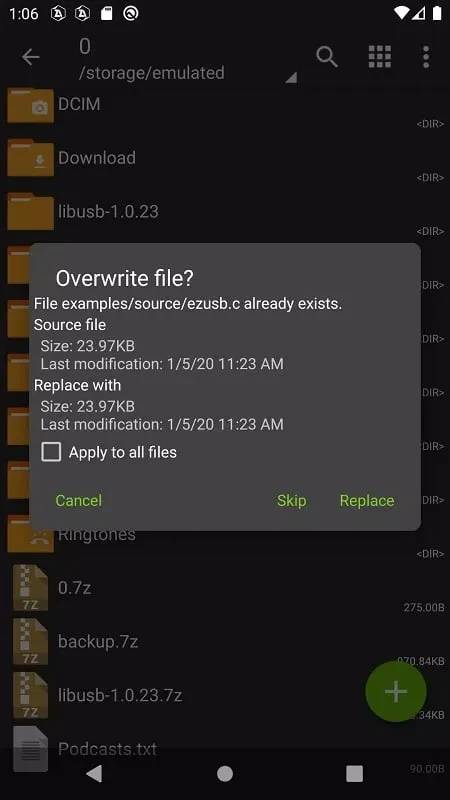
ZArchiver can extract formats including RAR, ZIP, EGG and ALZ. It supports partial decompression, so you can extract selected files rather than the entire archive. It can also unpack split archives in 7z, ZIP and RAR formats, and create multipart 7z archives. Compressed files can be opened from email applications as well as through the app’s file browser.
Passwords and backup files
The app can create password-protected archives in supported formats and extract protected archives when you provide the password. It also includes an option to install APK and OBB files from backups. These functions sit alongside its archive browsing and extraction tools, rather than requiring you to unpack every file before checking what an archive contains.
Version history
View all06 Sep 2024 · stable